Affiliates is your referral programme: who is sending you clients, how many of those sign-ups converted, and what commission they have earned. Live admin: smmpanelz.com/go-admin/referrals.
Reading the screenshots. Blue numbered badges mark what you click, referrer names read as user1 and codes as Provider 1
Page anatomy
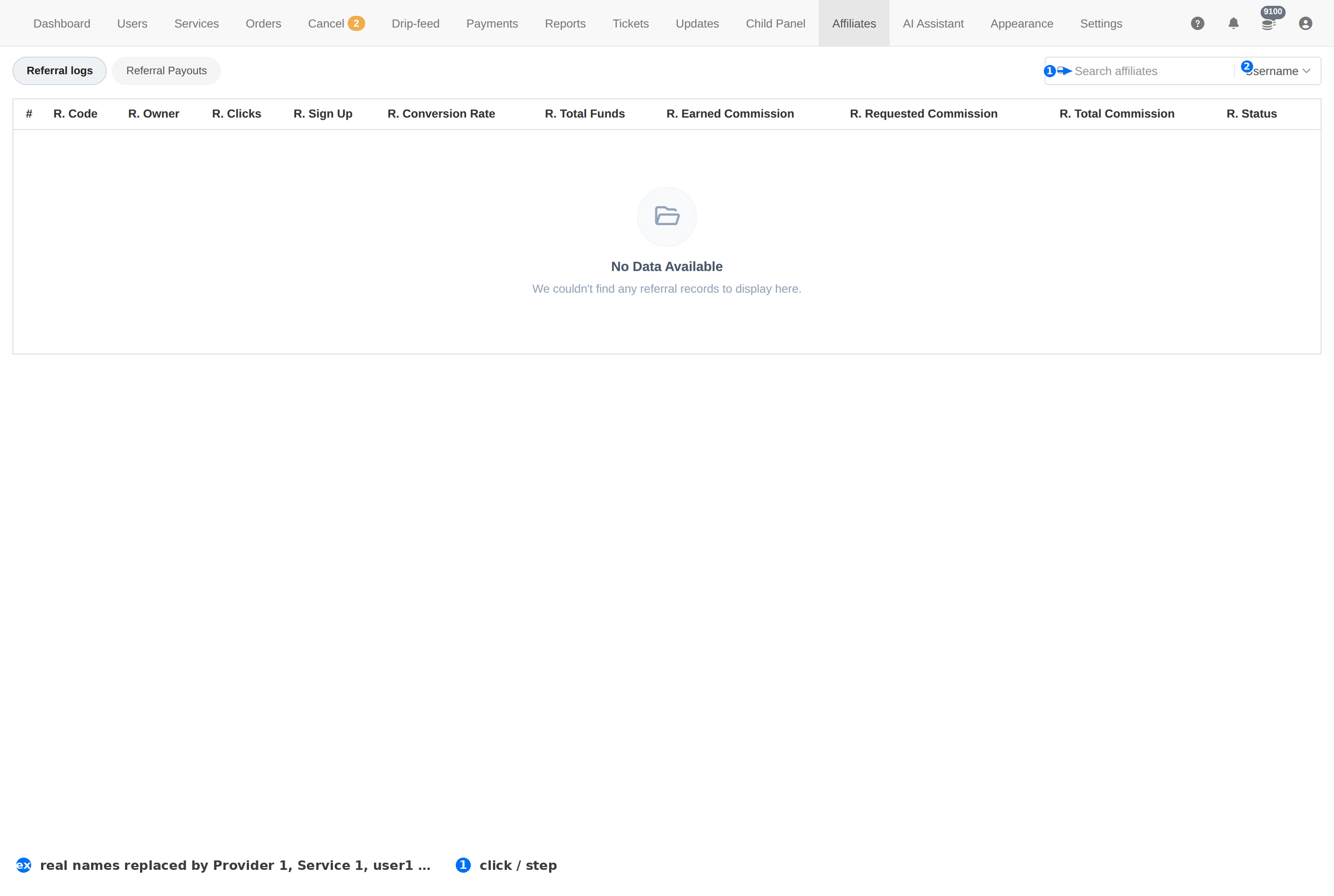
| # | Element | What it does |
|---|---|---|
| 1 | Search | Finds an affiliate by name. |
| 2 | Search field | Confirms the search matches on Username. |
An empty table is normal until someone actually refers a client — the panel shows No Data Available rather than a blank row.
Column reference
| Column | Meaning |
|---|---|
| R. Code | The referral code itself — the string that goes in the invite link. |
| R. Owner | The client who owns the code. |
| R. Clicks | How many times the link was opened. Interest, not money. |
| R. Sign Up | How many of those clicks became accounts. |
| R. Conversion Rate | Sign-ups as a share of clicks — the honest measure of whether the referrer's audience is real. |
| R. Total Funds | How much the referred clients have deposited in total. |
| R. Earned Commission | Commission the referrer has earned. |
| R. Requested Commission | Commission they have asked to withdraw but you have not paid yet. |
| R. Total Commission | Everything earned to date. |
| R. Status | Whether the affiliate account is active. |
Reading the numbers
- Start with clicks. No clicks means the code was never shared — a content problem, not a panel problem.
- Then the conversion rate. Lots of clicks and almost no sign-ups means the audience is wrong or the traffic is fake.
- Then Total Funds. Sign-ups that never deposit earn nothing; funds is where the referral actually pays.
- Then the commission columns. Earned minus Requested is what you still owe and have not paid.
Requested Commission is a liability. That is money a referrer has asked for and you have not paid. Reconcile it before you pay anyone, and pay through Payments so the transaction is recorded.
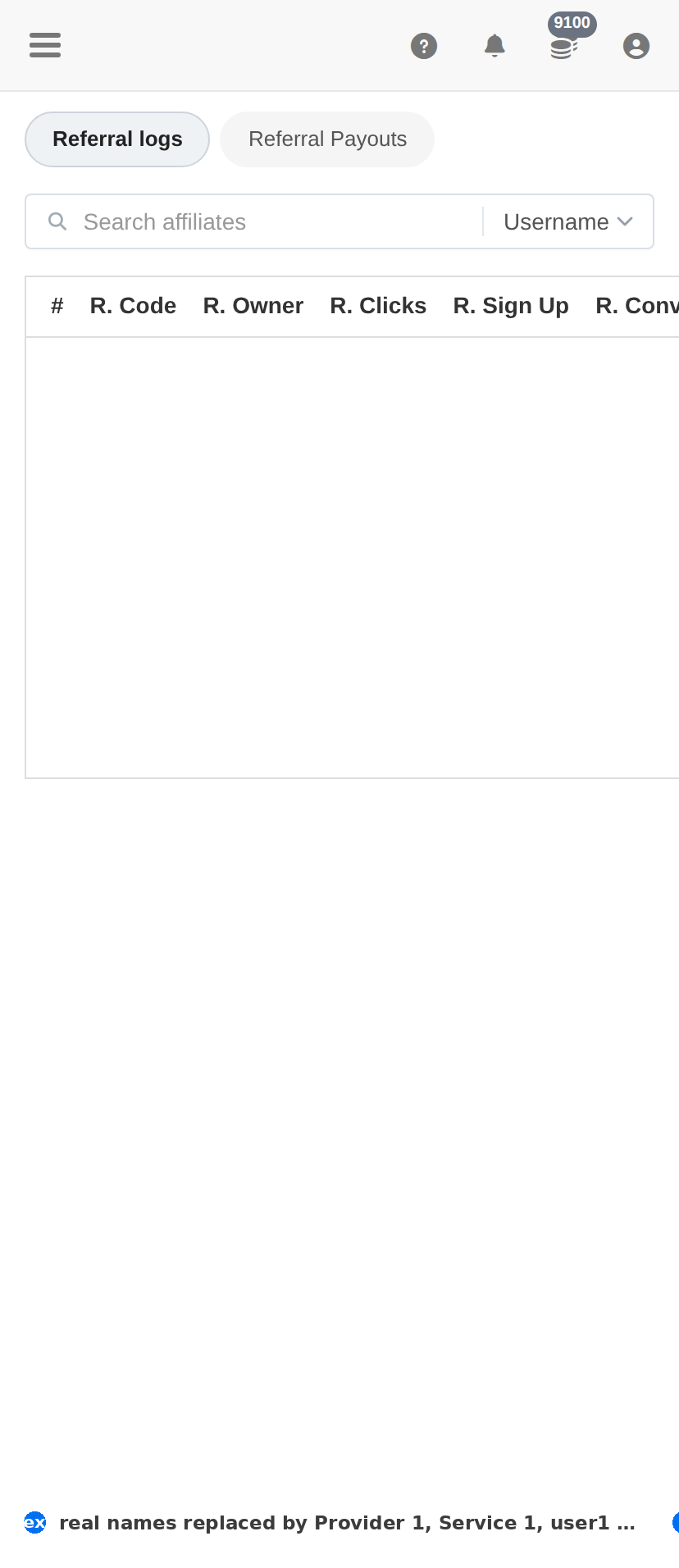
On a phone
Troubleshooting
An affiliate's clicks are climbing but sign-ups are flat
- Look at the Conversion Rate — a very low rate with high clicks is the signature of bought traffic.
- Check the referred accounts on Users; if they never confirm their email, they were never real.
- Do not pay commission on funds that never arrived — reconcile against Payments.
Commission is owed but nothing is recorded
- Compare Earned Commission with the payments you actually made.
- Record the payout through Add payment so the client's history matches what you paid.
The table is empty
- Nobody has referred a client yet — the programme is dormant, not broken.
- If you expect rows, confirm referrals are switched on in Settings.