Settings is the panel's configuration: its identity, how money is written, how the ticket system behaves, who may call the API — plus the six pages that configure providers, payments, modules, integrations, bonuses and the forms clients fill in. Live admin: smmpanelz.com/go-admin/settings/general.
Reading the screenshots. Blue numbered badges mark what you click. Settings values are configuration, not client data, so they stay readable — except a logo or an uploaded image, which is blurred because it identifies the business.
Page anatomy
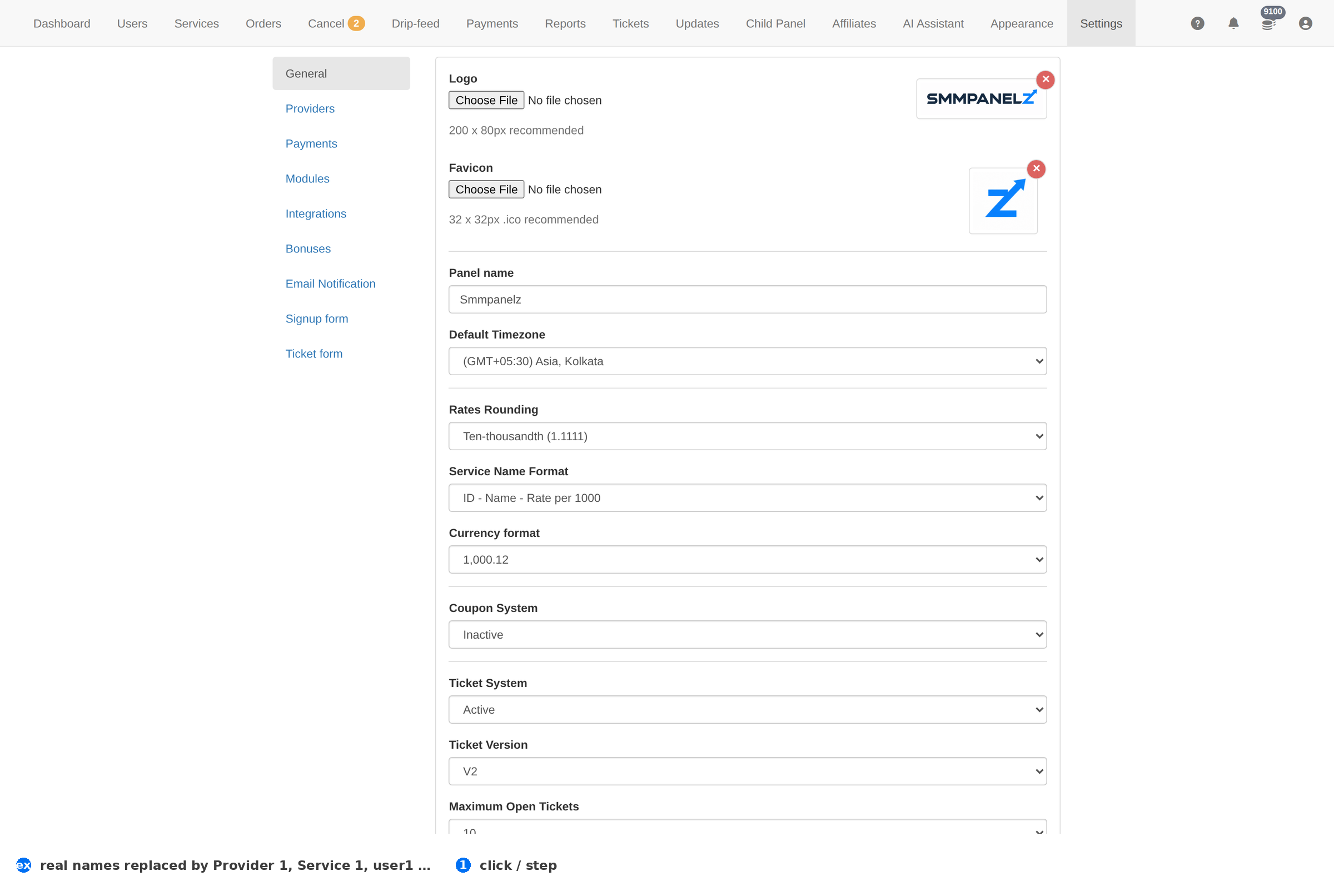
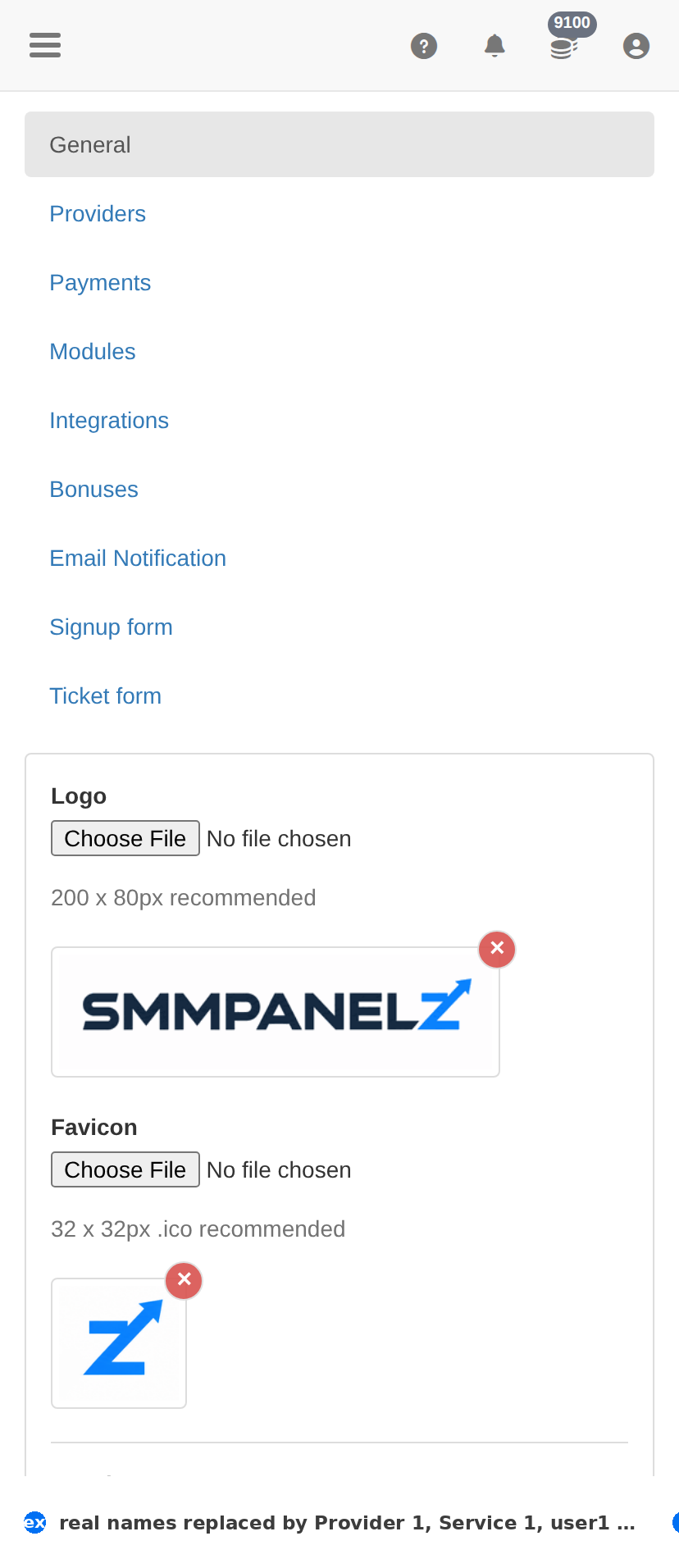
Settings → General. Logo and favicon, then the panel's identity and behaviour switches.
#
Element
What it does
1
Update Settings
Saves the whole form. Nothing on this page is stored until you press it.
The settings groups
Group
What lives there
General
Logo, favicon, panel name, timezone, rounding, currency format and the panel's behaviour switches.
Providers
The API connections you buy from — keys, endpoints and balances.
Payment methods
The gateways clients pay through.
Modules
Optional features switched on for this panel.
Integrations
Third-party services the panel talks to.
Bonuses
The rules that add credit on top of a payment.
Email notification
Which events send mail, and the templates behind them.
Signup form
Which fields a new client must fill in.
Ticket form
Which fields a support ticket asks for.
Settings is one save for the whole form. Change what you came for, check the rest is untouched, then press Update Settings once. A half-filled form saved by accident is the most common way to break a working panel.
Branding
Field
What to put
Logo / Favicon
Your own files. The favicon is what clients see in the browser tab — a missing one reads as an unfinished panel.
Panel name
The name in the client site's header and in mails. Change it and the whole panel rebrands.
Custom header code / Custom footer code
Raw markup injected into the client site — analytics, a chat widget, a verification meta tag.
Money and formatting
Setting
What it changes
Default Timezone
The clock every date in the panel is shown in. Set it to your own timezone, or every order timestamp you read will be shifted.
Rates Rounding
How many decimals a rate keeps — ones, hundredth, thousandth or ten-thousandth. More decimals means tighter margins on cheap services.
Service Name Format
How a service is shown in lists — Name - Rate per 1000, ID - Name - Rate, and the other combinations.
Currency format
How amounts are written — 1000.00, 1000,00, 1,000.12, 1.000,12. Pick the one your clients read naturally.
Ticket system
Setting
What it changes
Ticket System
Whether clients can open tickets at all. Turned off, support has to come through another channel.
Ticket Version
Which ticket interface the client site uses.
Maximum Open Tickets
How many tickets one client may keep open — the cap that stops one account flooding the queue.
API and security
Setting
What it changes
Restrict User API Key's
Limits what a client's API key can do. Left open, a leaked key can place orders.
Registration Page
Whether clients can sign themselves up. Off means every account is created by you.
Email Confirmation
Whether a new account must confirm its address before ordering.
Reset Password via Email
Whether the self-service password reset works — the switch to check first when a client cannot reset.
Service List
Whether the service catalogue is visible on the client site.