Which events send mail, and the templates behind them. One page of the Settings section.
Page anatomy
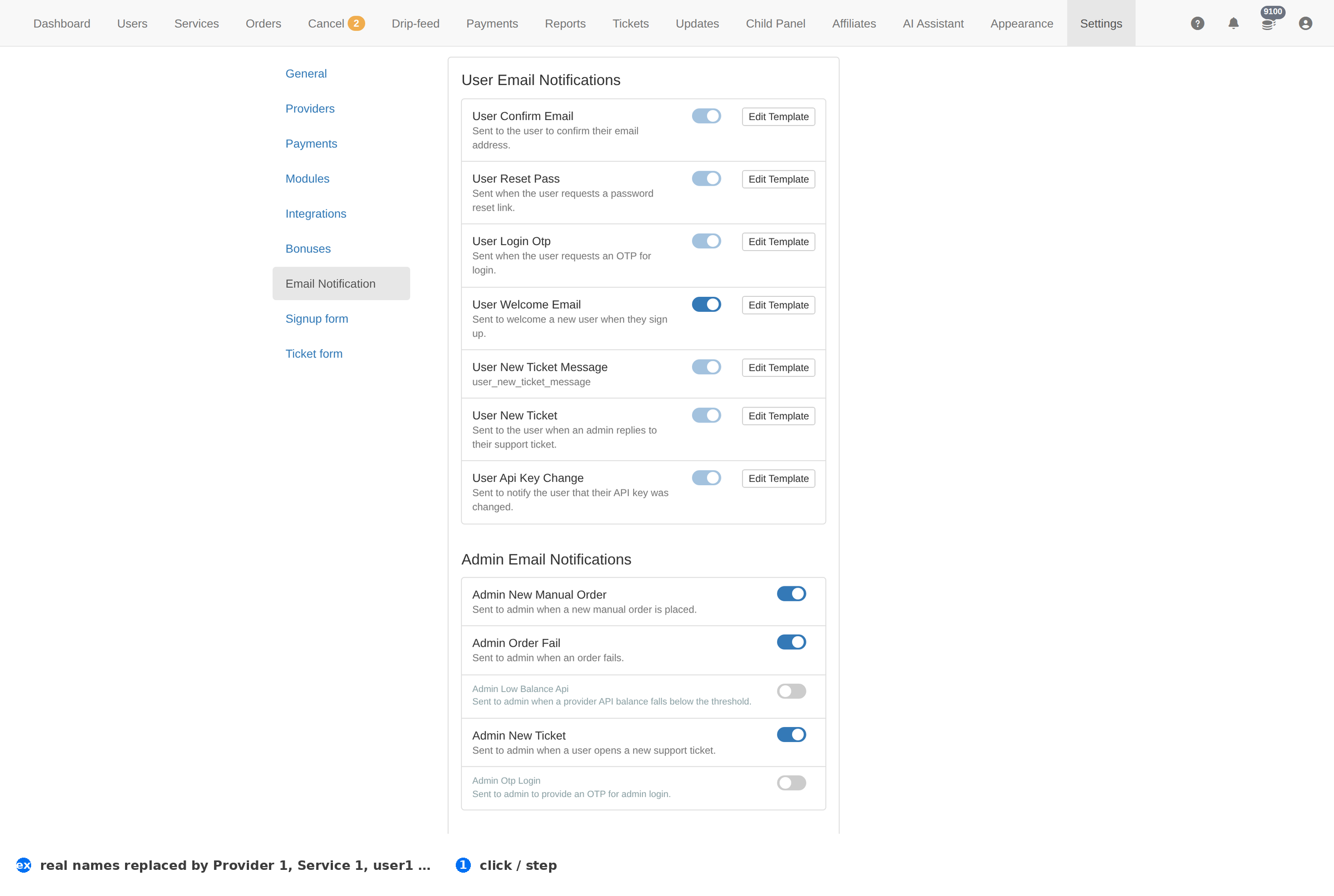
Column reference
| Column | Meaning |
|---|---|
| Event | The thing that triggers the mail. |
| Template | The mail's subject and body. |
| Status | Whether it sends. |
How to work this page
- This is where a silent mail failure lives. If confirmations and resets stop, this page and the mail configuration are the two places to look.
- Test the important ones. A signup confirmation and a password reset are the two mails whose failure costs you clients.
- Keep the templates short and plain. A long marketing mail in a password reset reads as phishing.
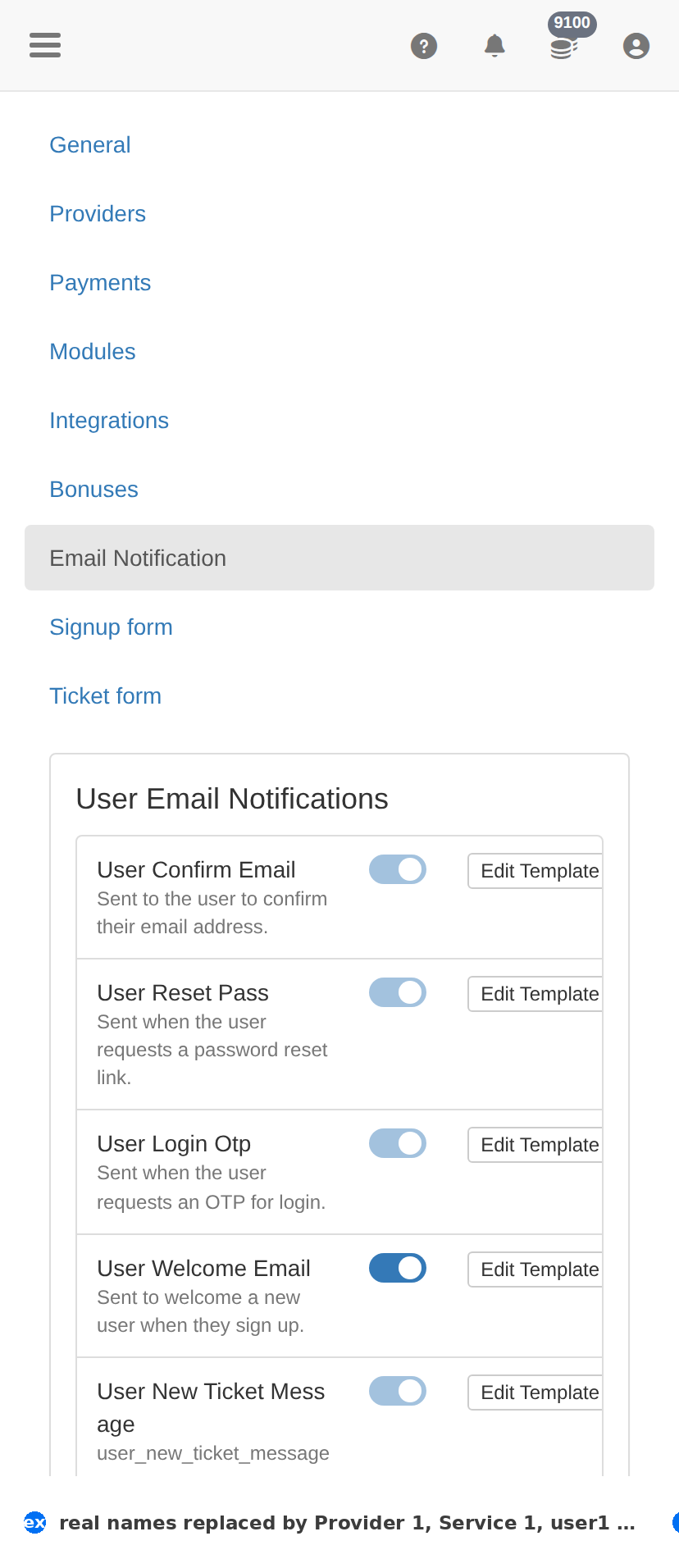
On a phone
Troubleshooting
The change did not take effect
- Confirm it saved — reload this page and check the value is still there.
- Check the item's own Status column; something switched off will not act regardless.
- Test the effect where the client feels it — the client site for a form, Orders for anything about fulfilment.
You want to undo a change
- There is no undo. Set the value back deliberately, then verify with one real test.
- Before changing anything here, take a screenshot of the page — that is your only record of what it was.