Where the assistant answers, and how it behaves on each channel. One page of the AI Assistant section — the Playground is where you actually talk to it.
Page anatomy
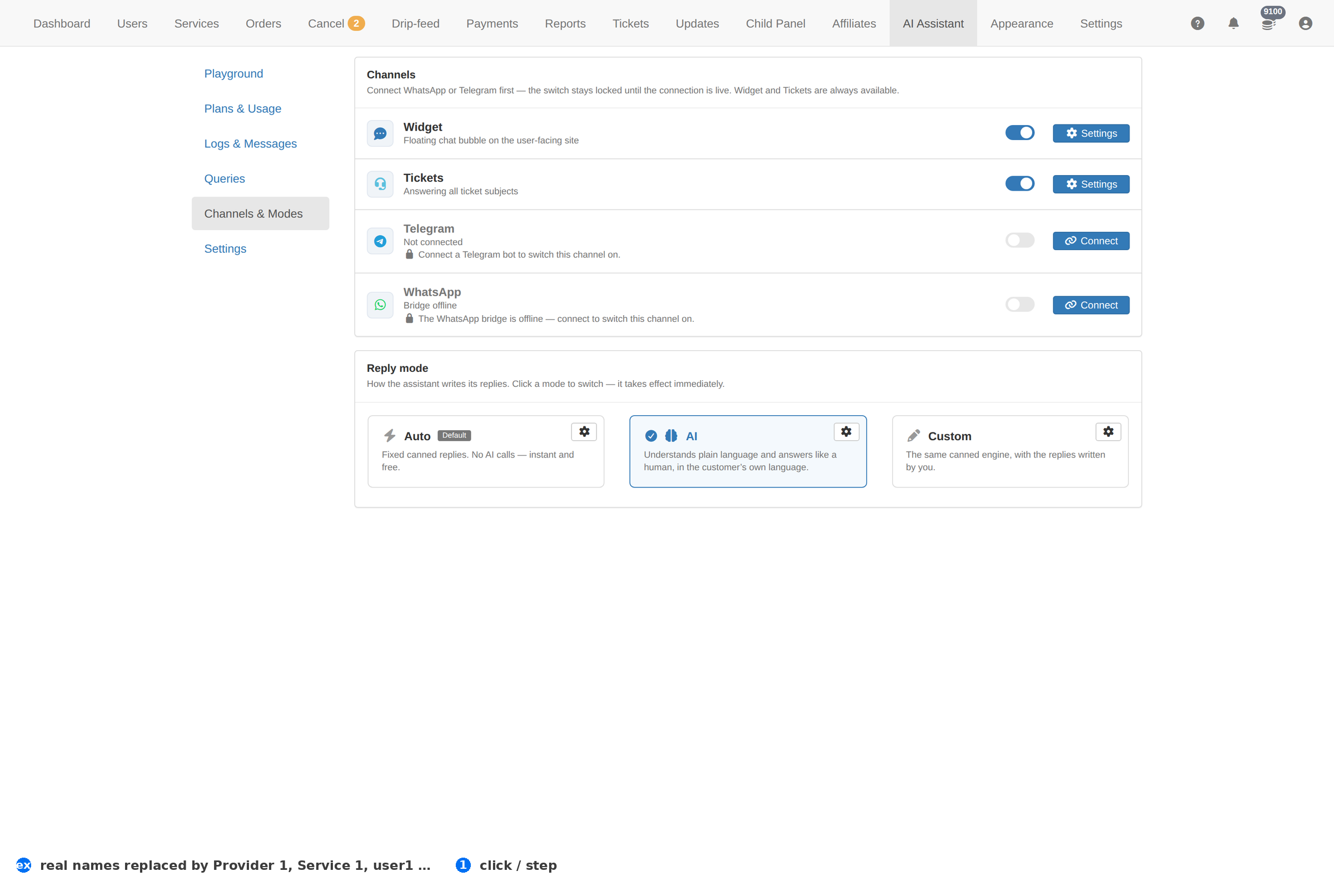
How to work this page
- Channels are separate from the playground. Turning the assistant on for a channel exposes it to whoever can reach that channel — decide that deliberately.
- Modes change the tone and the scope. A mode that reads panel data should not be the one facing your clients.
- Change one channel at a time and check the result in Logs & Messages before touching the next.
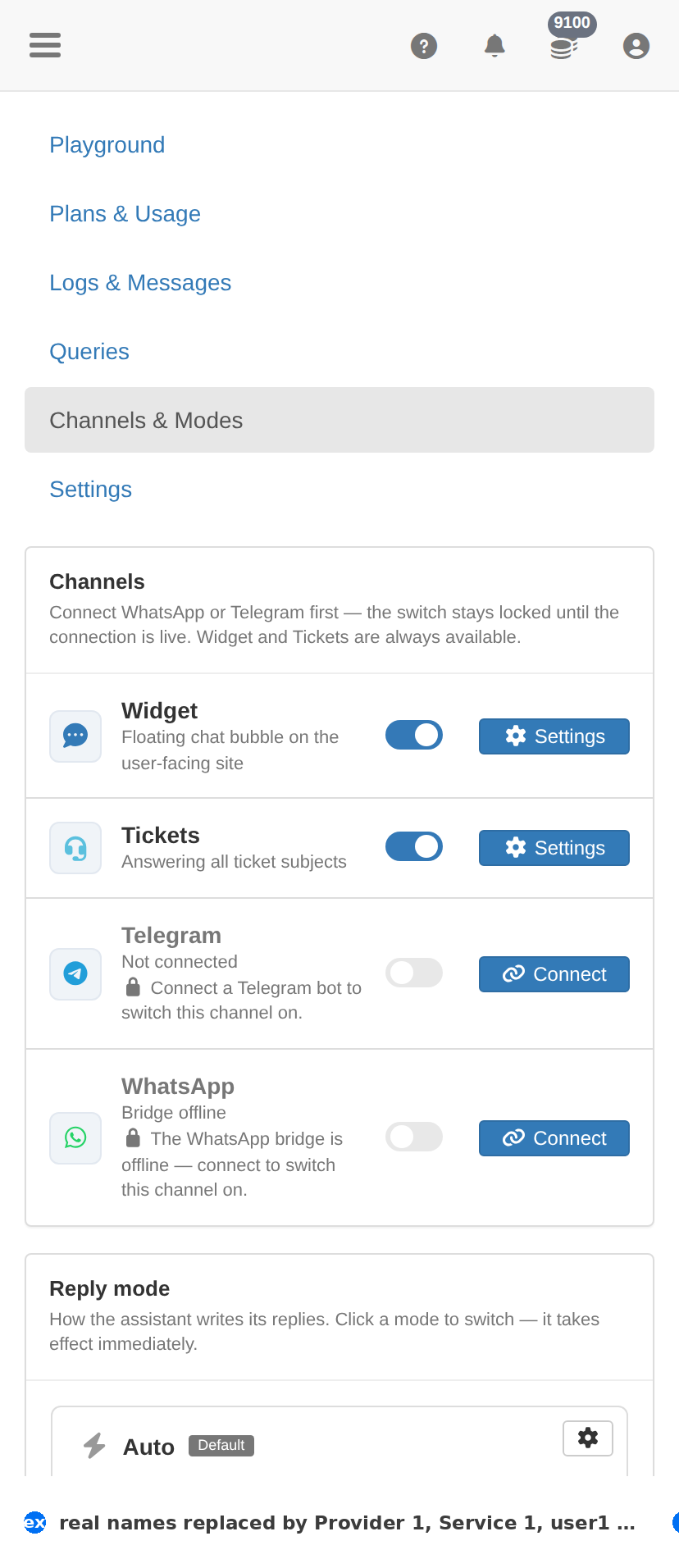
On a phone
Troubleshooting
This page is empty
- An empty page is normal before the assistant has been used at all — start from the Playground.
- If you expect rows and see none, check the assistant is switched on in AI Assistant → Settings.
A number here disagrees with another page
- Read the period or filter at the top of this page first — the two pages may simply be looking at different windows.
- The record itself lives on Orders; settle any disagreement there.