Drip-feed is one order delivered in scheduled pieces instead of all at once — the way to make a large followers order look natural. Each row here is a drip-feed order and its progress. Live admin: smmpanelz.com/go-admin/dripfeeds.
Reading the screenshots. Blue boxes mark a data value, blue numbered badges mark what you click, client names read as user1 and the amounts are scaled
Page anatomy
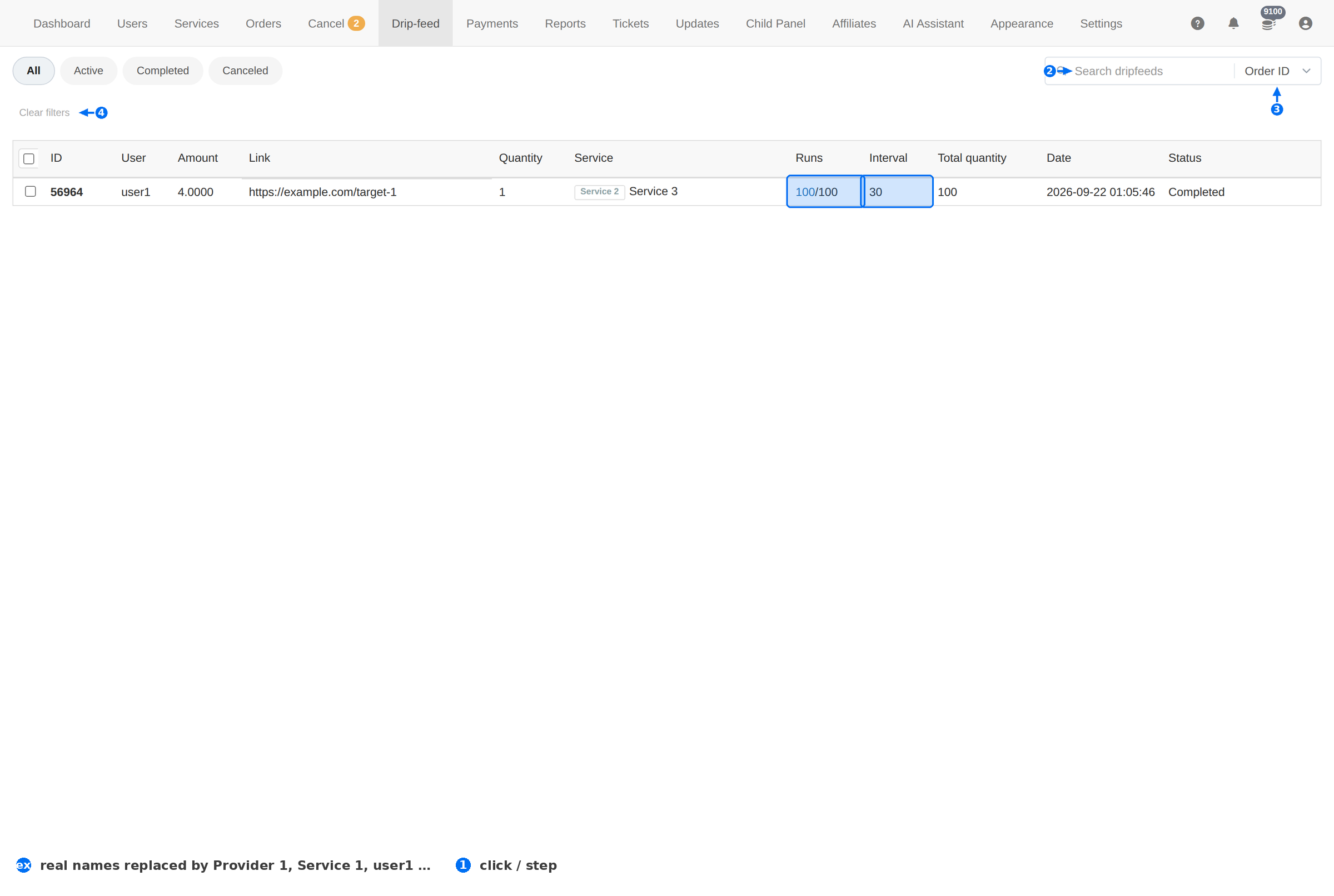
| # | Element | What it does |
|---|---|---|
| 1 | State tabs | All, Active, Completed and Canceled. |
| 2 | Search | Finds a drip-feed by Order ID, Link or Username. |
| 3 | Search field | Chooses which of those the search matches. |
| 4 | Clear filters | Resets the tab and the search. |
| 5 | Runs | Delivered runs out of the total — this is the progress bar of a drip-feed. |
| 6 | Interval | How many minutes sit between runs. |
Column reference
| Column | Meaning |
|---|---|
| ID | The drip-feed's own number. |
| User | The client who ordered. |
| Amount | What the whole drip-feed costs. |
| Link | The target being delivered to. |
| Quantity | How much each run delivers. |
| Service | The service being delivered, as its ID plus its name. |
| Runs | Progress, as done / total. 100/100 means every run has been placed. |
| Interval | Minutes between runs. |
| Total quantity | The full amount across all runs — usually runs × quantity. |
| Date | When the drip-feed was created. |
| Status | Active, Completed or Canceled. |
How a drip-feed runs
- One parent, many child orders. Each run is placed as its own order on the Orders page, tagged Drip-feed next to the client's name.
- The panel places them. A background job adds the next run every Interval minutes, so the order keeps delivering while nobody is watching.
- Progress is the Runs column. 100/100 is finished; anything short of that still has runs to place.
- The money is charged once. The client paid for the whole drip-feed up front, so a failed run is your problem to fix, not a new charge.
To find every child order of one drip-feed, search the client's username on the Orders page and filter Source → Dripfeed. That is the only place the individual runs appear.
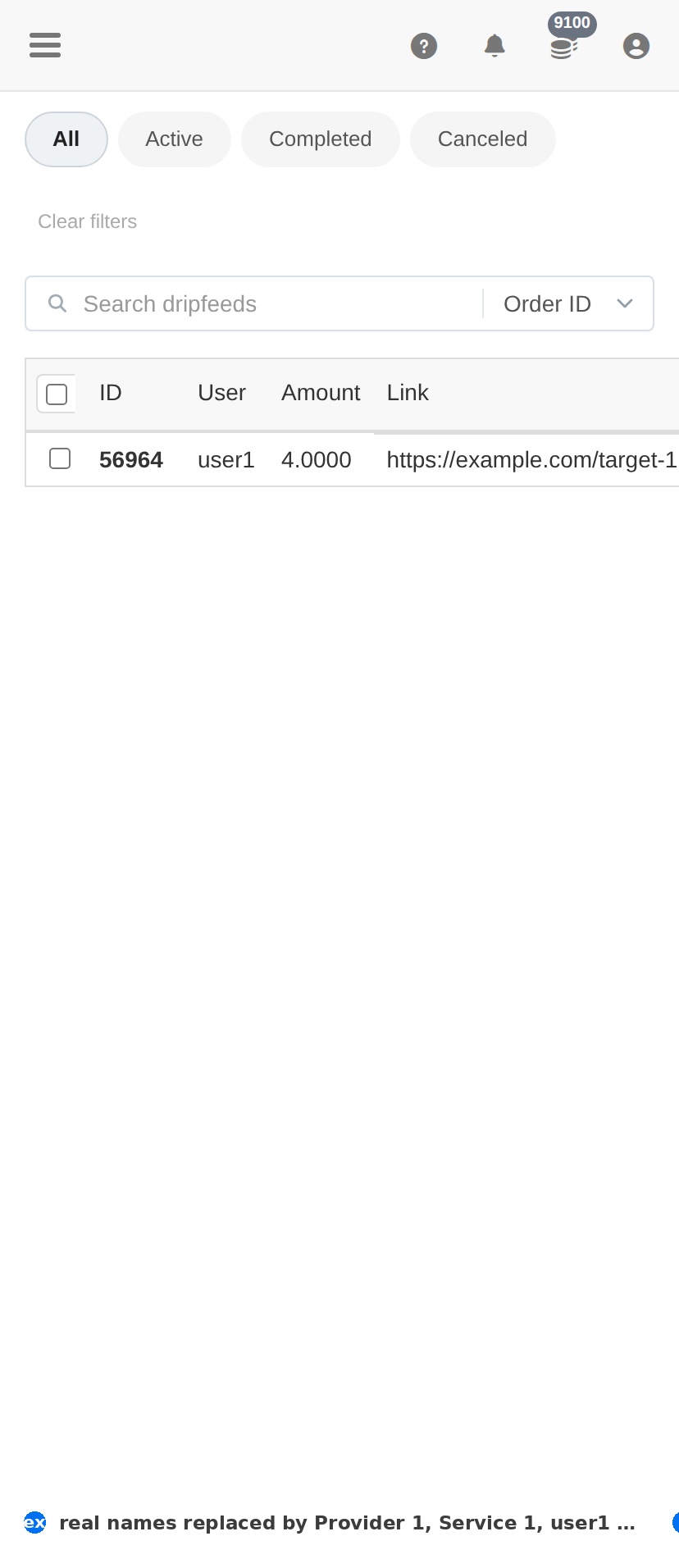
On a phone
Troubleshooting
A drip-feed stopped part-way
- Check whether it is still Active — a drip-feed that looks stuck may simply be waiting out its interval.
- Search the client on Orders and look at the last child order's status; if it failed, the drip-feed has nothing to continue from.
- Fix the underlying order (provider balance, API key, service limits) — the next run will pick up.
The client says they got everything at once
- Check the Interval column. A short interval with a large quantity reads as one delivery.
- A drip-feed is configured when the order is placed; changing the pace afterwards means a new drip-feed.
Runs show 100/100 but the total looks short
- Compare Runs × Quantity with Total quantity — they should agree.
- If they do not, the drip-feed was created with a rounding mismatch; fix the delivery on the child orders with Set partial.