Appearance is everything the client sees: which pages exist, what is in the navigation, the blog, the broadcast banner, the languages, the theme and the uploaded files. Live admin: smmpanelz.com/go-admin/appearance/pages.
Reading the screenshots. Blue numbered badges mark what you click. Page names and dates are configuration, not client data, so they stay readable.
Page anatomy
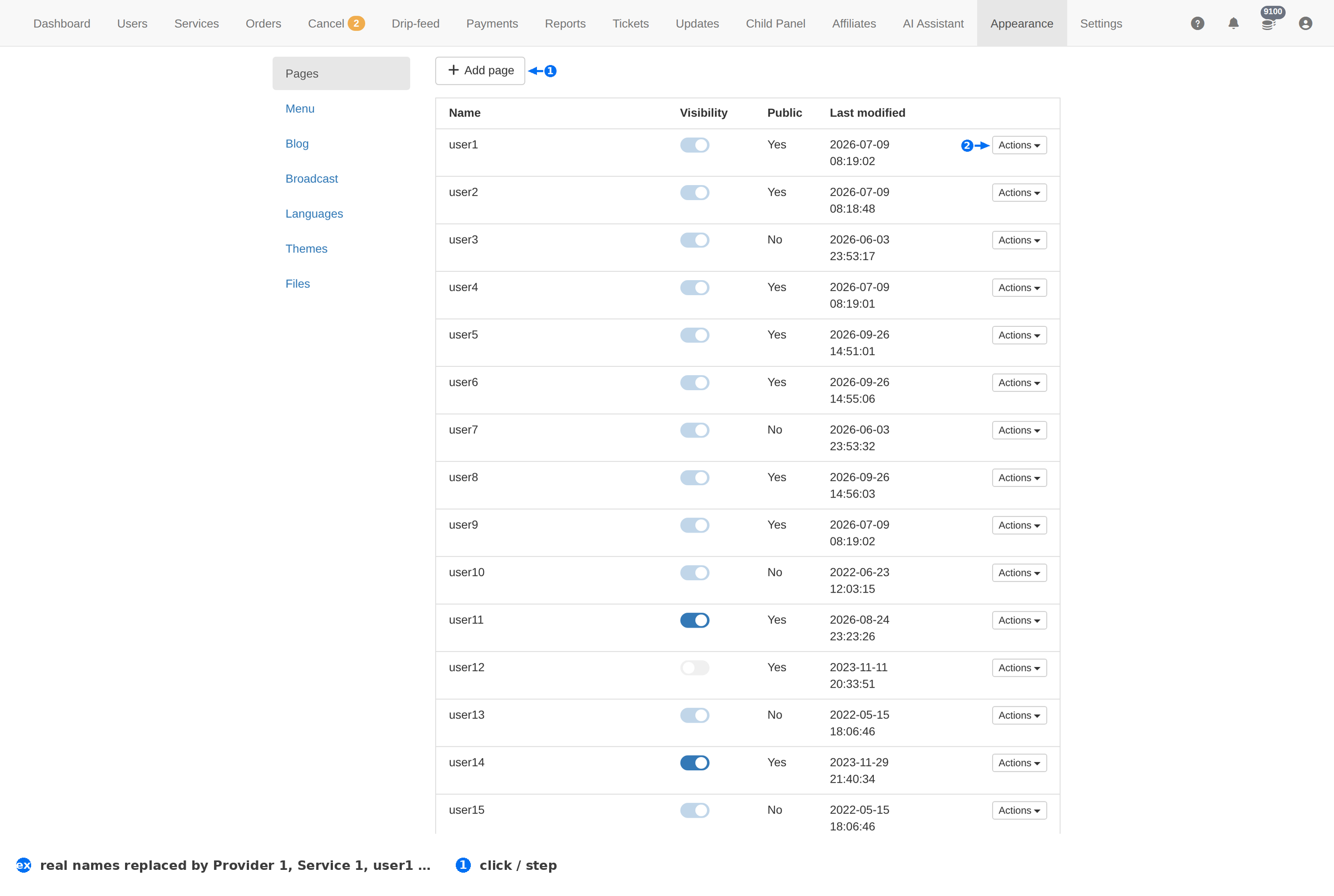
| # | Element | What it does |
|---|---|---|
| 1 | Add page | Creates a new page on the client-facing site. |
| 2 | Actions | The per-page menu — edit it, change its visibility, or remove it. |
Column reference
| Column | Meaning |
|---|---|
| Name | The page's name — Signup, Services, Terms and so on. |
| Visibility | Whether the page shows in the client site's navigation. |
| Public | Yes means anyone can open it without signing in. Right for Terms and a landing page; wrong for anything showing prices or data. |
| Last modified | When the page was last changed. An edit whose date has not moved did not save. |
| Actions | Per-page menu. |
Managing pages
- Add page for anything the client site is missing — a FAQ, a Terms page, a contact form.
- Set Public deliberately. A public page needs no login and is indexable; keep pricing, dashboards and anything client-specific private.
- Use Visibility for navigation. A page can exist and be linked directly while staying out of the menu.
- Check the date after you edit. Last modified is your confirmation that the change saved.
The whole section
| Page | What it is for |
|---|---|
| Menu | The client site's navigation — which pages appear, in what order, under what label. |
| Blog | Posts on the client site. Useful for SEO and for announcements that deserve a link. |
| Broadcast | A banner or notice pushed to every client. The fastest way to tell everyone about maintenance. |
| Languages | Which languages the client site offers, and the translations behind them. |
| Themes | The look of the client site — the theme in use, and the others available. |
| Files | Uploaded assets: logos, favicons, images used by pages and posts. |
Appearance changes the client site, not the admin. Nothing here alters the admin screens these docs describe — and nothing here changes what clients are charged, which lives on Services.
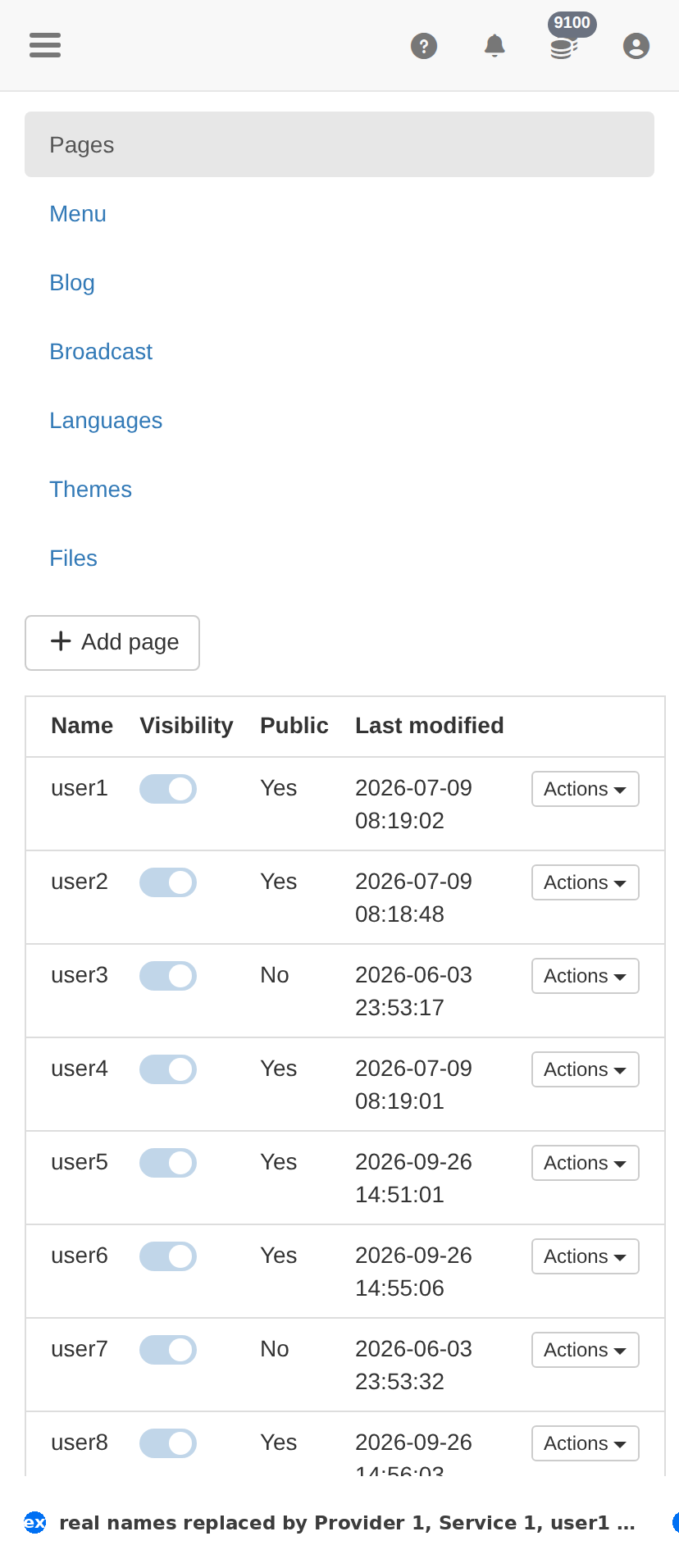
On a phone
Troubleshooting
A page is missing from the client site
- Check its Visibility — a hidden page exists but does not appear in the menu.
- Check the Menu page; a page can be visible and still not linked.
- Open the URL directly — a page can be reachable while unlisted.
A client says they can see prices without logging in
- Read every row marked Public: Yes — that column is the whole exposure.
- Set pricing pages back to No, and check the Menu for anything that links to them.
An edit did not appear
- Compare Last modified with when you made the change.
- Client-facing CSS and assets are cached; a hard refresh on the client site usually shows it.