Tickets is client support: every conversation a client opened from their own dashboard. Live admin: smmpanelz.com/go-admin/tickets.
Reading the screenshots. Blue boxes mark a data value, blue numbered badges mark what you click, client names and subjects read as user1 and Ticket subject 1
Page anatomy
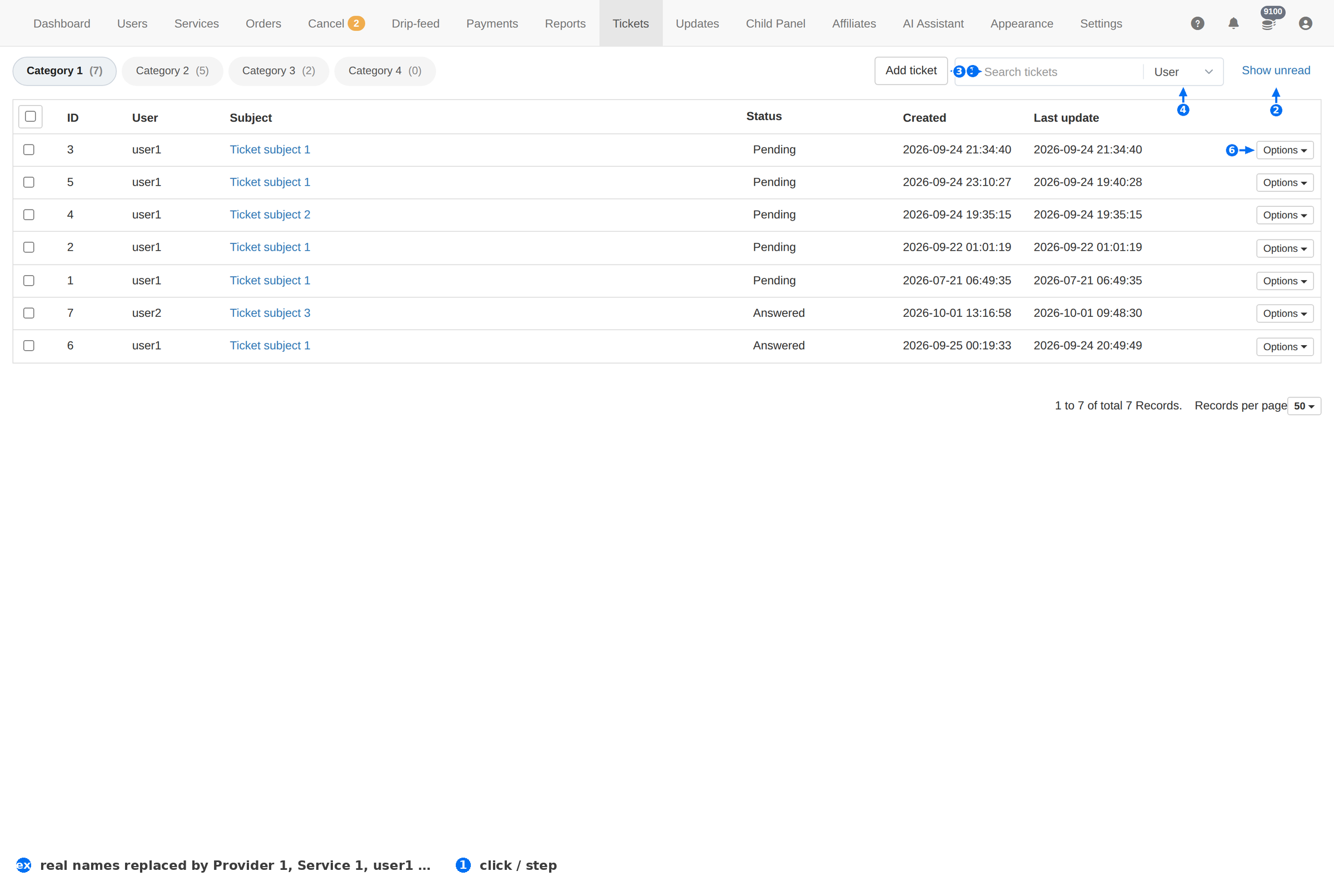
| # | Element | What it does |
|---|---|---|
| 1 | Add ticket | Opens a ticket on a client's behalf — use it when they wrote to you elsewhere. |
| 2 | Show unread | Filters to the tickets you have not read. This is the switch to leave on. |
| 3 | Search | Finds a ticket by Ticket ID, Subject, Message or User. |
| 4 | Search field | Chooses which of those the search matches. |
| 5 | Answered tab | Tickets you replied to. Pending is the one that means work. |
| 6 | Options | The per-ticket menu — open it, and close or reopen it. |
Ticket states
| Tab | Read it as |
|---|---|
| All (n) | Every ticket, with the total in brackets. |
| Pending (n) | The last message is the client's. This is your to-do list. |
| Answered (n) | You replied and the ball is in their court. |
| Closed (n) | Finished. A new message reopens it. |
Leave Show unread on and work the Pending tab. Those two together are exactly the tickets that are waiting on you, and nothing else.
Column reference
| Column | Meaning |
|---|---|
| ID | The ticket's number. Quote it when you talk about the conversation. |
| User | The client who opened it. |
| Subject | The one-line summary the client wrote. |
| Status | Pending, Answered or Closed. |
| Created | When the ticket was opened. |
| Last update | When anything last happened on it — sort by this to see what is going stale. |
Working the queue
- Open Pending. Newest first is fine for speed; oldest-first is fairer to clients who have waited.
- Read the whole thread before you answer. Half of the "not delivered" tickets are answered by the order's own Remains value.
- Get the ID. Ask for the Order ID when it is missing — it turns a guessing game into one search.
- Answer, then close. An Answered ticket that never gets closed inflates the queue and hides the real backlog.
- Fix, don't just reply. If the cause is a provider or a service limit, fix it before you write back — otherwise the same ticket returns tomorrow.
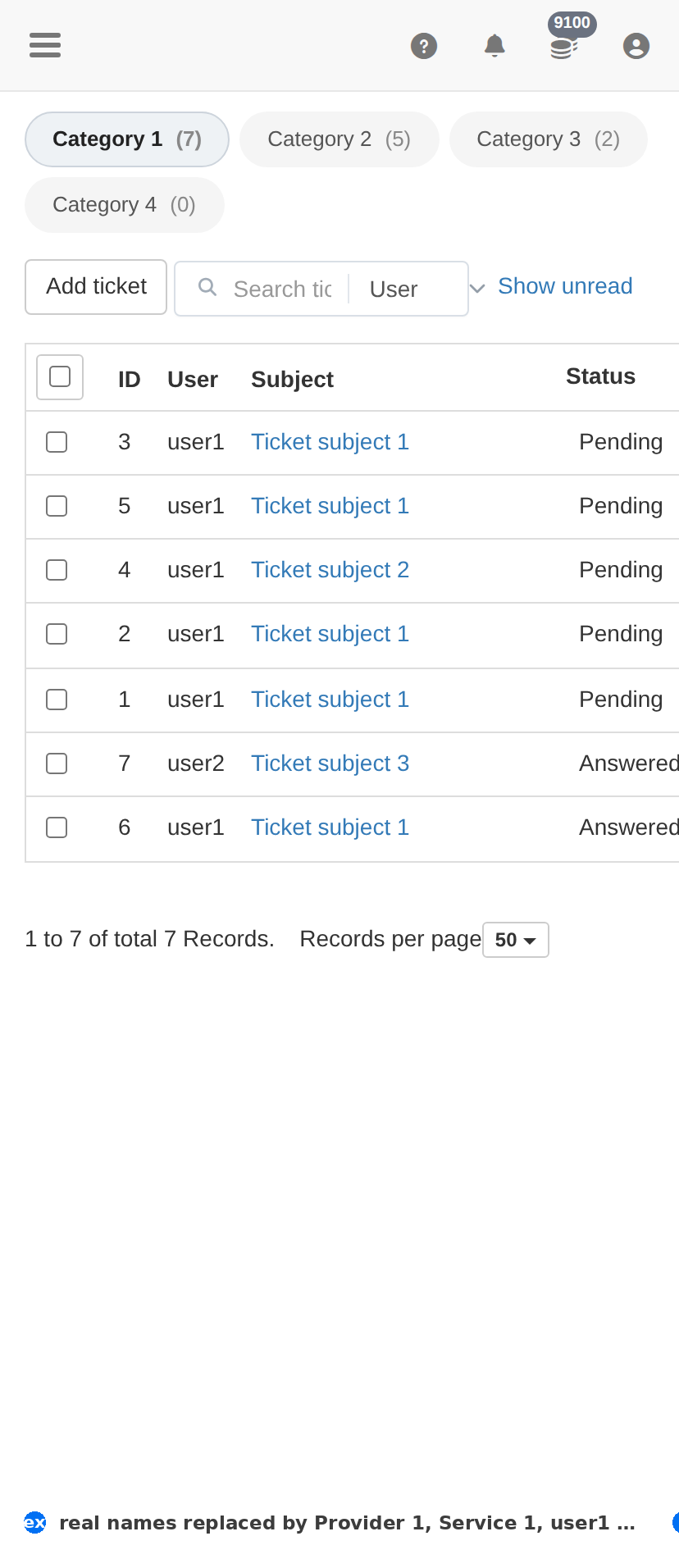
On a phone
Troubleshooting
The queue is full of Pending tickets
- Work them oldest-first, and close the ones already resolved.
- Group them: if many are about one service, fix the service and answer them together.
A client says they never got a reply
- Check whether the ticket is Answered but not Closed — the reply exists.
- Check the client's email on Users; ticket notifications go to that address, and a typo means they never see them.
The same client opens ticket after ticket
- Read the history — a repeated complaint is usually one unfixed root cause.
- If it is abuse rather than support, Suspend from the client's row actions; it is reversible.