What a new client must fill in. One page of the Settings section.
Page anatomy
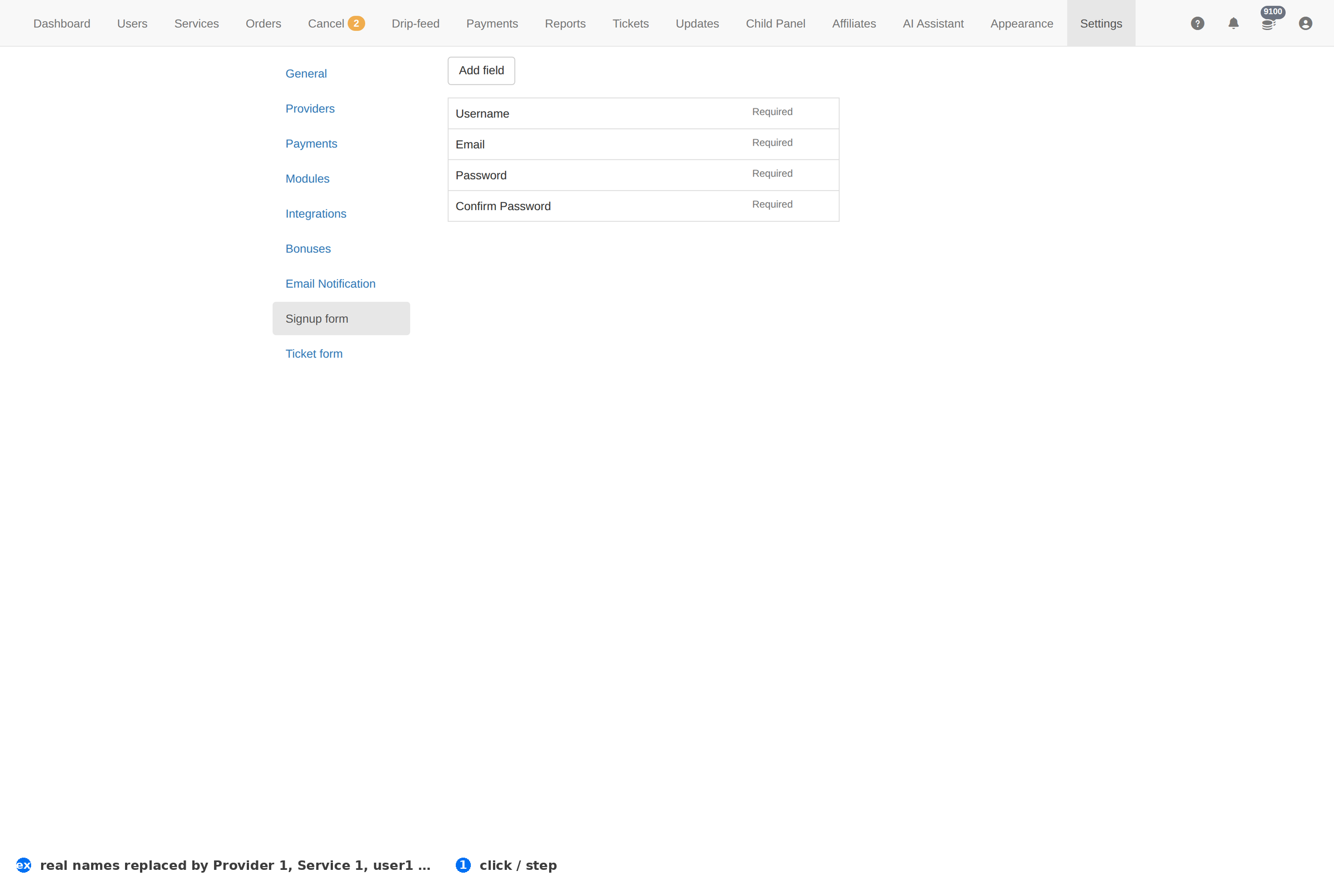
Column reference
| Column | Meaning |
|---|---|
| Field | The question asked. |
| Required | Whether signup fails without it. |
| Status | Whether it is shown. |
How to work this page
- Every extra field costs signups. Ask only what you will actually use — phone and Skype fields nobody reads are pure friction.
- Requiring an email confirmation is the cheapest anti-fraud measure you have — pair this page with Email Confirmation on General.
- Test the form yourself after changing it; a required field with no validation is a support ticket per signup.
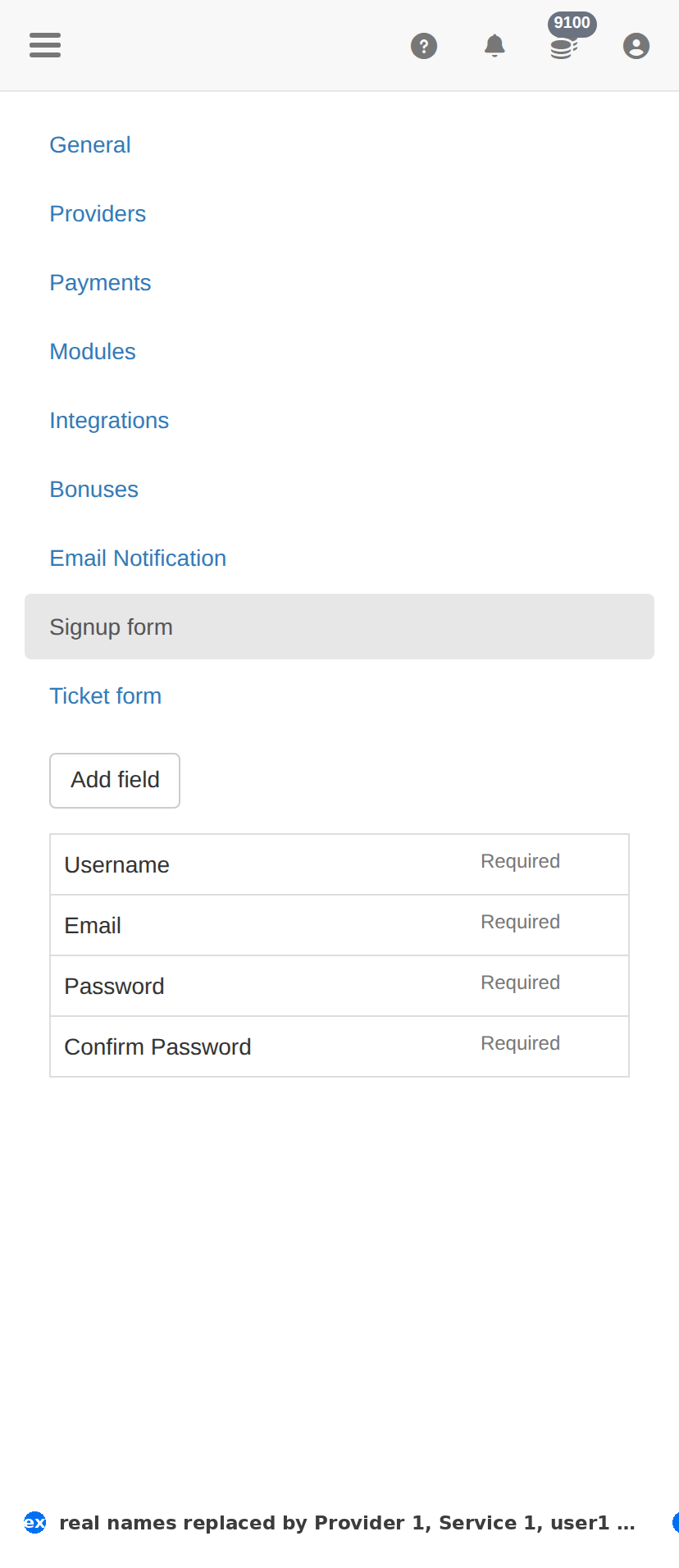
On a phone
Troubleshooting
The change did not take effect
- Confirm it saved — reload this page and check the value is still there.
- Check the item's own Status column; something switched off will not act regardless.
- Test the effect where the client feels it — the client site for a form, Orders for anything about fulfilment.
You want to undo a change
- There is no undo. Set the value back deliberately, then verify with one real test.
- Before changing anything here, take a screenshot of the page — that is your only record of what it was.