Reports is the year in one table: twelve months down the columns, and the rows grouped by whichever view you picked. Live admin: smmpanelz.com/go-admin/reports.
Reading the screenshots. Blue numbered badges mark what you click. Figures in these screenshots are the real ones from the admin they were captured on.
Page anatomy
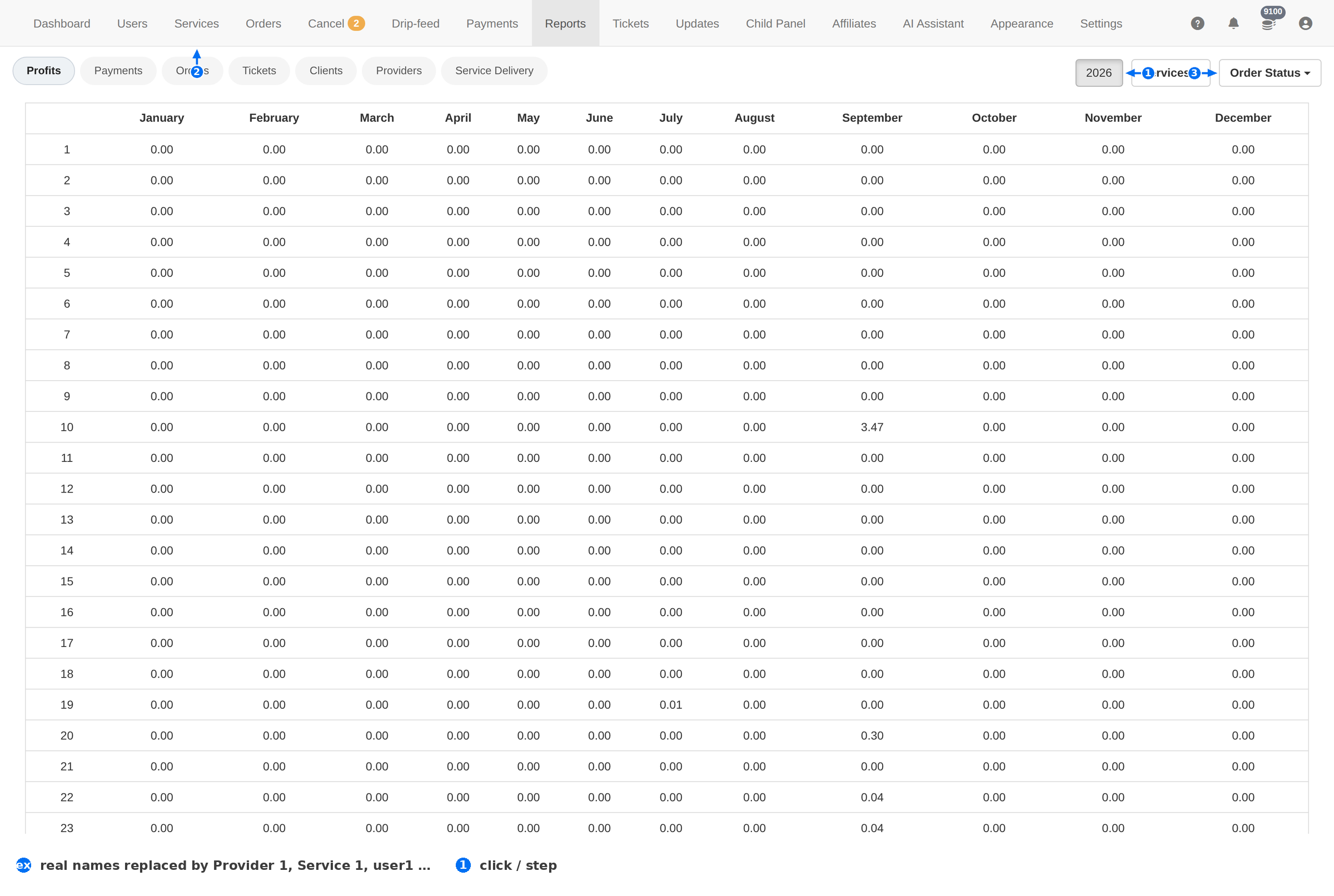
| # | Element | What it does |
|---|---|---|
| 1 | Year | Chooses which year to report on. |
| 2 | Services | Groups the rows by service. |
| 3 | Order Status | Groups the rows by order status instead. |
The three views
| View | What it answers |
|---|---|
| Services | How much each service earned, month by month. Use it to find what actually sells. |
| Order Status | How many orders sat in each state, month by month. Use it to see whether your failure rate is improving. |
| Year | The same table for a different year — the fastest way to compare this year with last. |
Reading a report
- Pick the year first. A report that "looks empty" is almost always the wrong year.
- Choose the grouping. Services for money, Order Status for health.
- Read across, not down. One row across twelve months is a trend; one column is a single month's mix.
- Then dig in. A month that looks wrong is a filter question on Orders — set the same date range and read the Fail reason counts.
Reports aggregate; Orders explains. When a number here surprises you, reproduce it on the Orders page with the same date filter before you act on it.
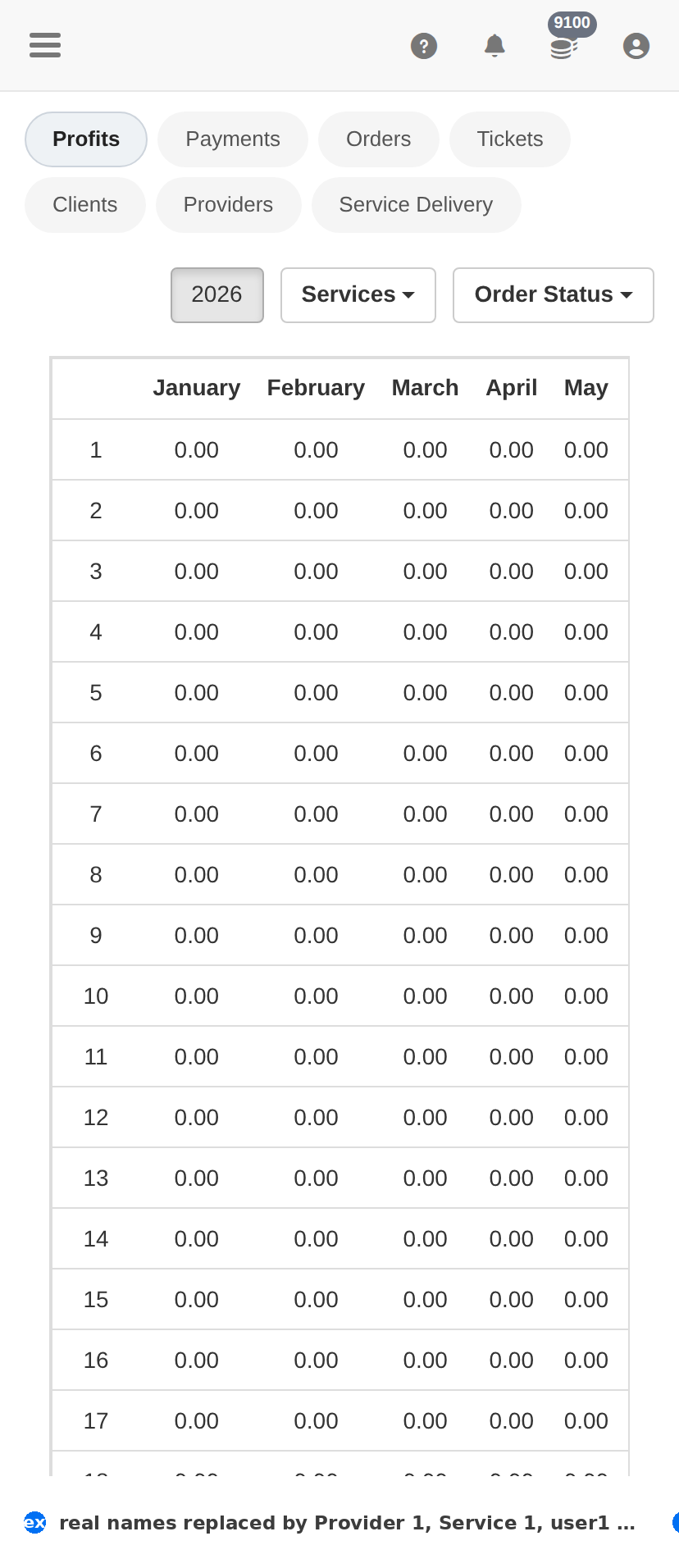
On a phone
Troubleshooting
The report is all zeros
- Check the year — this is the cause almost every time.
- Check the view — a service with no orders shows zeros in the Services view but still exists.
- Confirm orders exist for that period on the Orders page with the same date filter.
A month's revenue does not match the payments you saw
- Reports count orders, not deposits — a client can pay in one month and order in the next.
- Reconcile against Payments, not against this page.