The client site's navigation — which pages appear, in what order and under what label. One page of the Appearance section — the client-facing site, not the admin.
Page anatomy
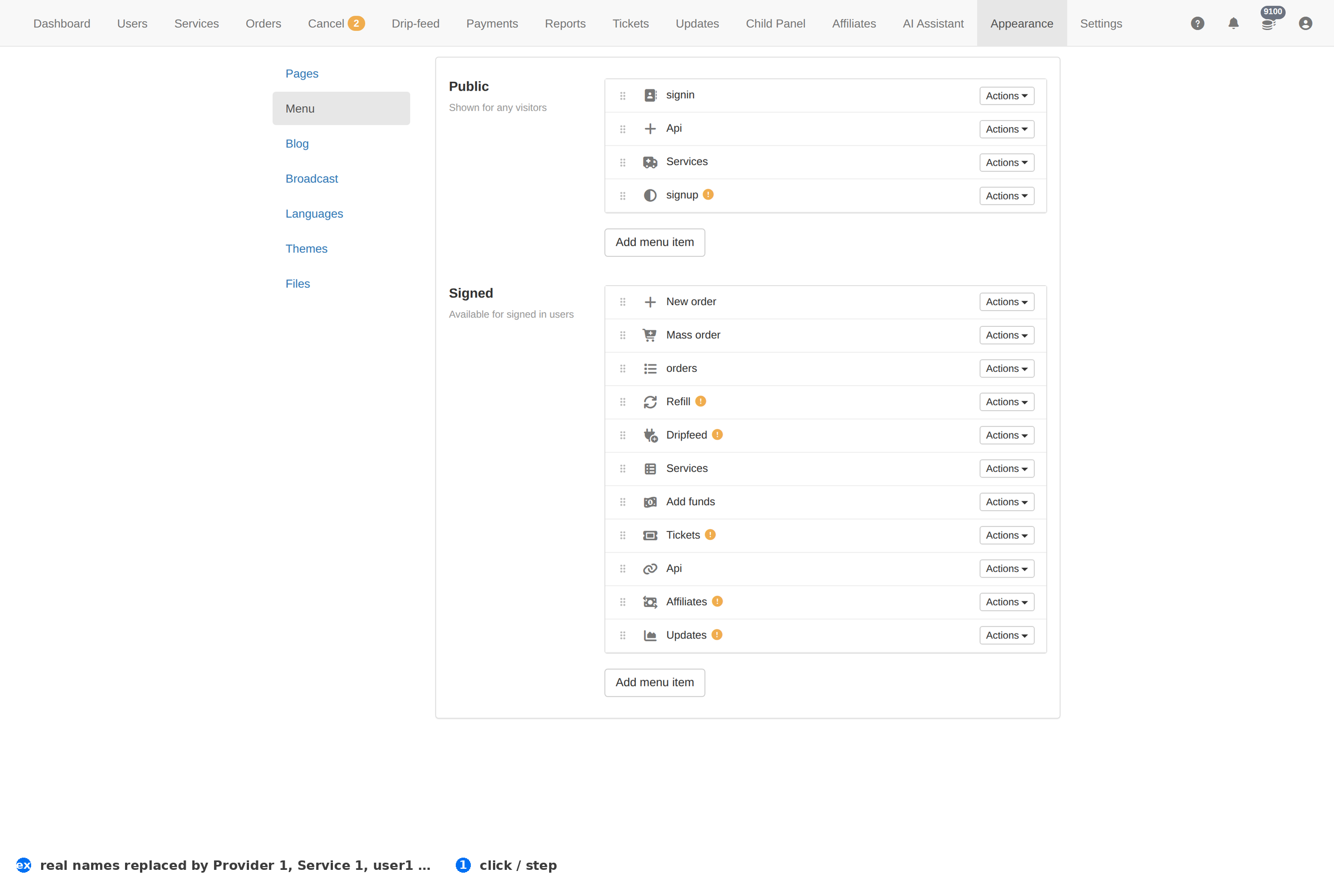
Column reference
| Column | Meaning |
|---|---|
| Item | The label shown in the client site's navigation. |
| Order | Its position in the menu. |
| Target | The page it opens. |
How to work this page
- Order is the design. The first three items are what a new visitor actually clicks; everything below them is for people who already know what they want.
- Label for the client, not for you. "New order" beats "Order management".
- A page must exist before it can be linked. Create it under Pages first, then add it here.
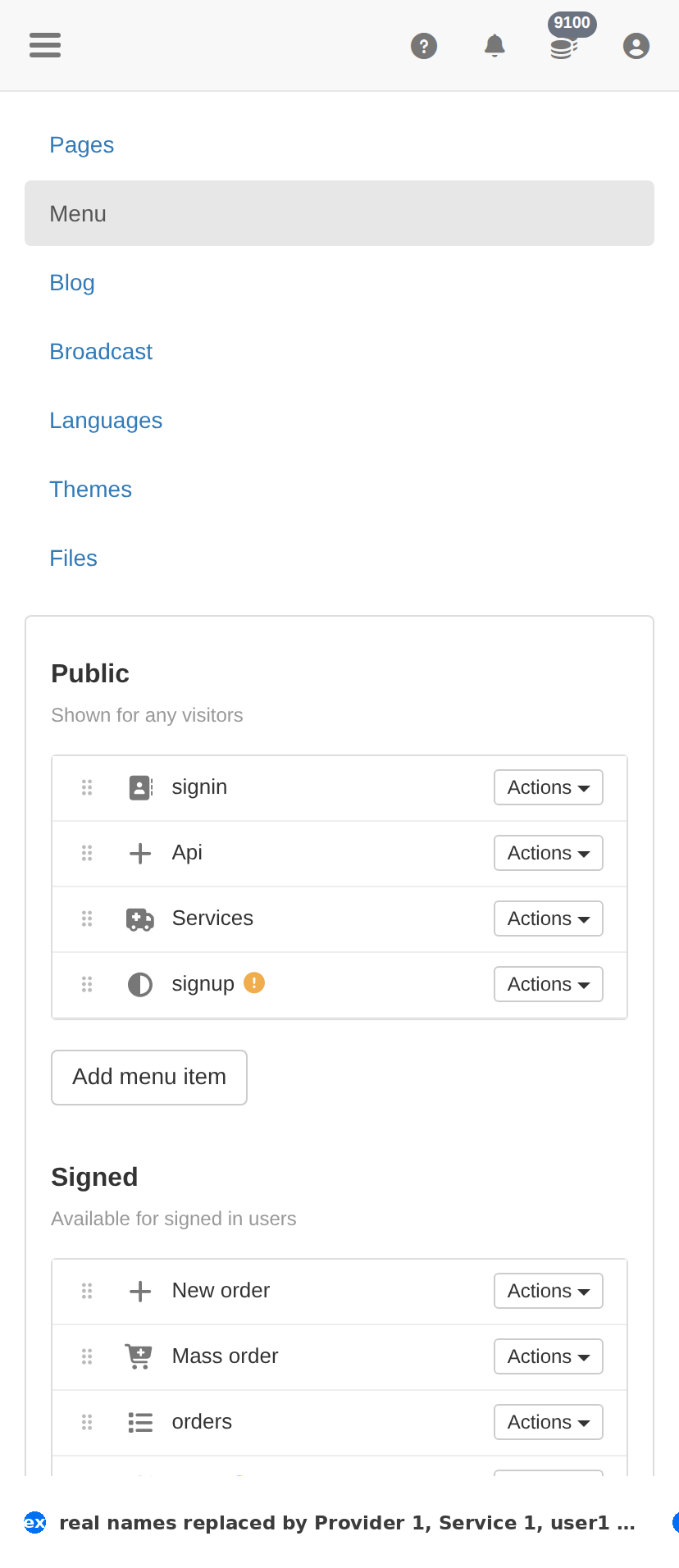
On a phone
Troubleshooting
A change did not appear on the client site
- Hard-refresh the client site — client-facing CSS and assets are cached.
- Confirm the change saved here first: an unsaved form looks identical to a cached page.
- Check the item's own status column; something switched off will not show regardless.
You want to undo a change
- There is no undo. Set the item back to its previous value deliberately.
- For anything you are unsure about, take a screenshot of this page before you change it — that is your record.