A notice pushed to every client at once — maintenance, a new service, a warning. One page of the Appearance section — the client-facing site, not the admin.
Page anatomy
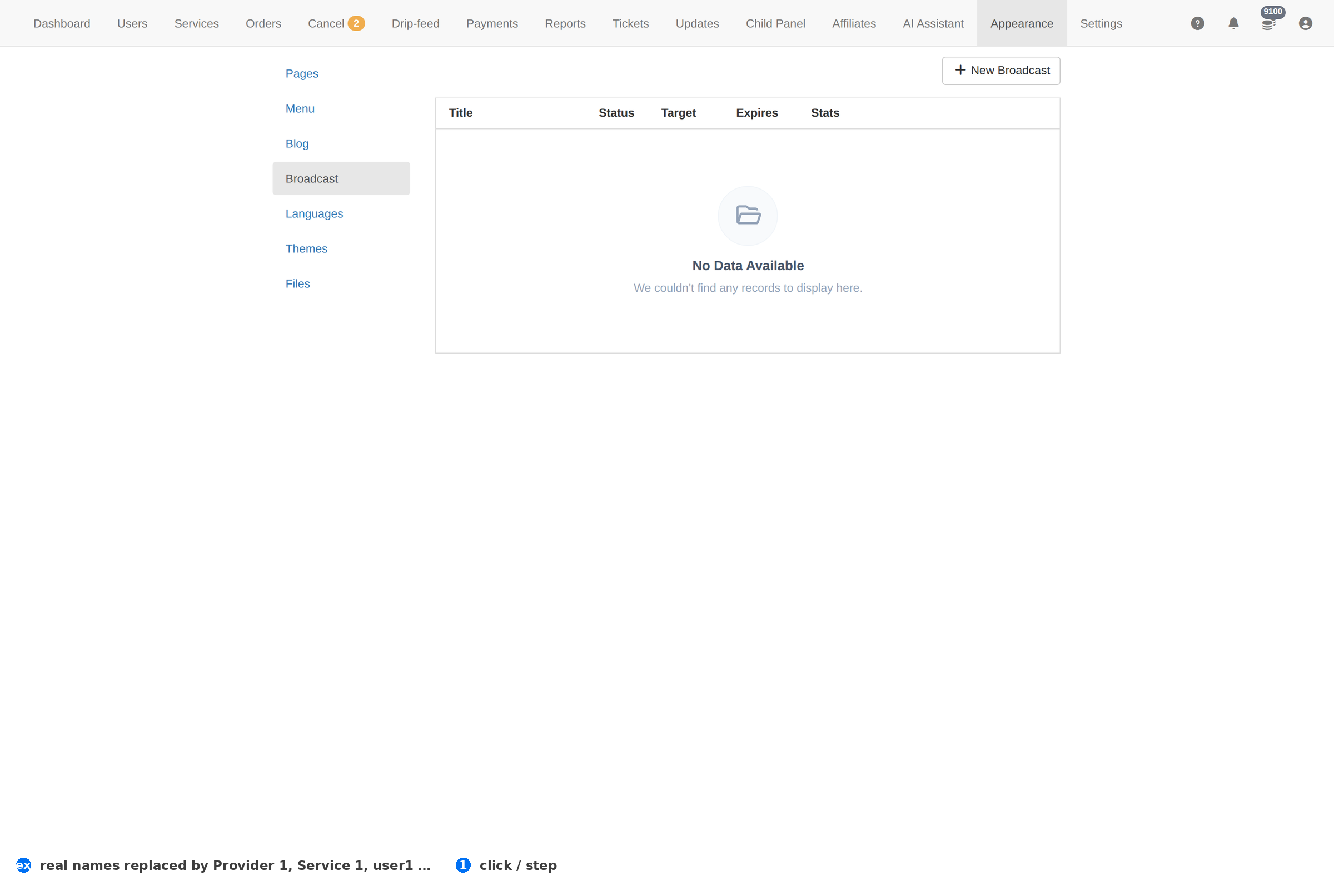
Column reference
| Column | Meaning |
|---|---|
| Message | The text every client sees. |
| Status | Whether the broadcast is live. |
| Created | When it was published. |
How to work this page
- Use it for things that are true right now. A broadcast is intrusive; a stale one teaches clients to ignore all of them.
- Say when it ends. "Maintenance 02:00–04:00 UTC" is actionable; "we are having issues" is not.
- Turn it off when it is over. Nothing else in the admin gets ignored as fast as a banner that outlived its news.
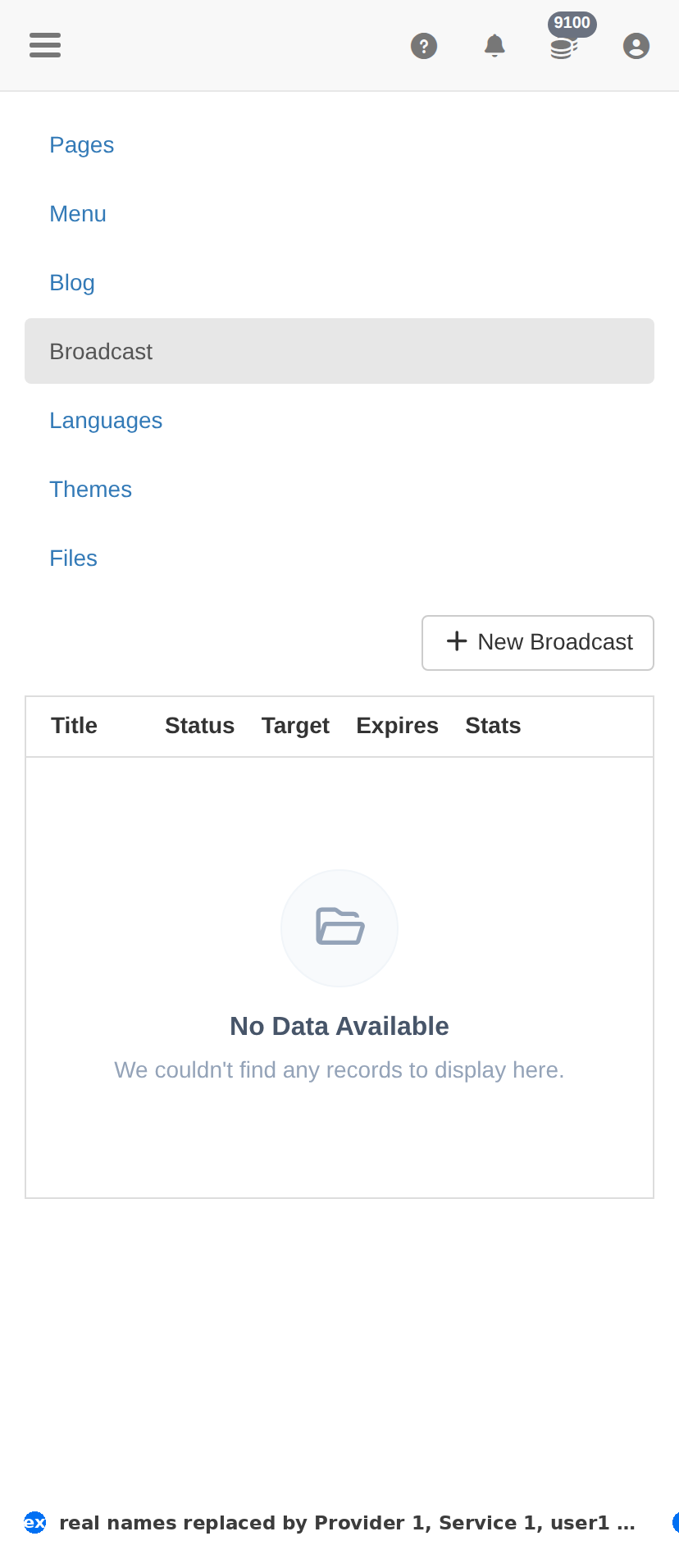
On a phone
Troubleshooting
A change did not appear on the client site
- Hard-refresh the client site — client-facing CSS and assets are cached.
- Confirm the change saved here first: an unsaved form looks identical to a cached page.
- Check the item's own status column; something switched off will not show regardless.
You want to undo a change
- There is no undo. Set the item back to its previous value deliberately.
- For anything you are unsure about, take a screenshot of this page before you change it — that is your record.