Third-party services the panel talks to. One page of the Settings section.
Page anatomy
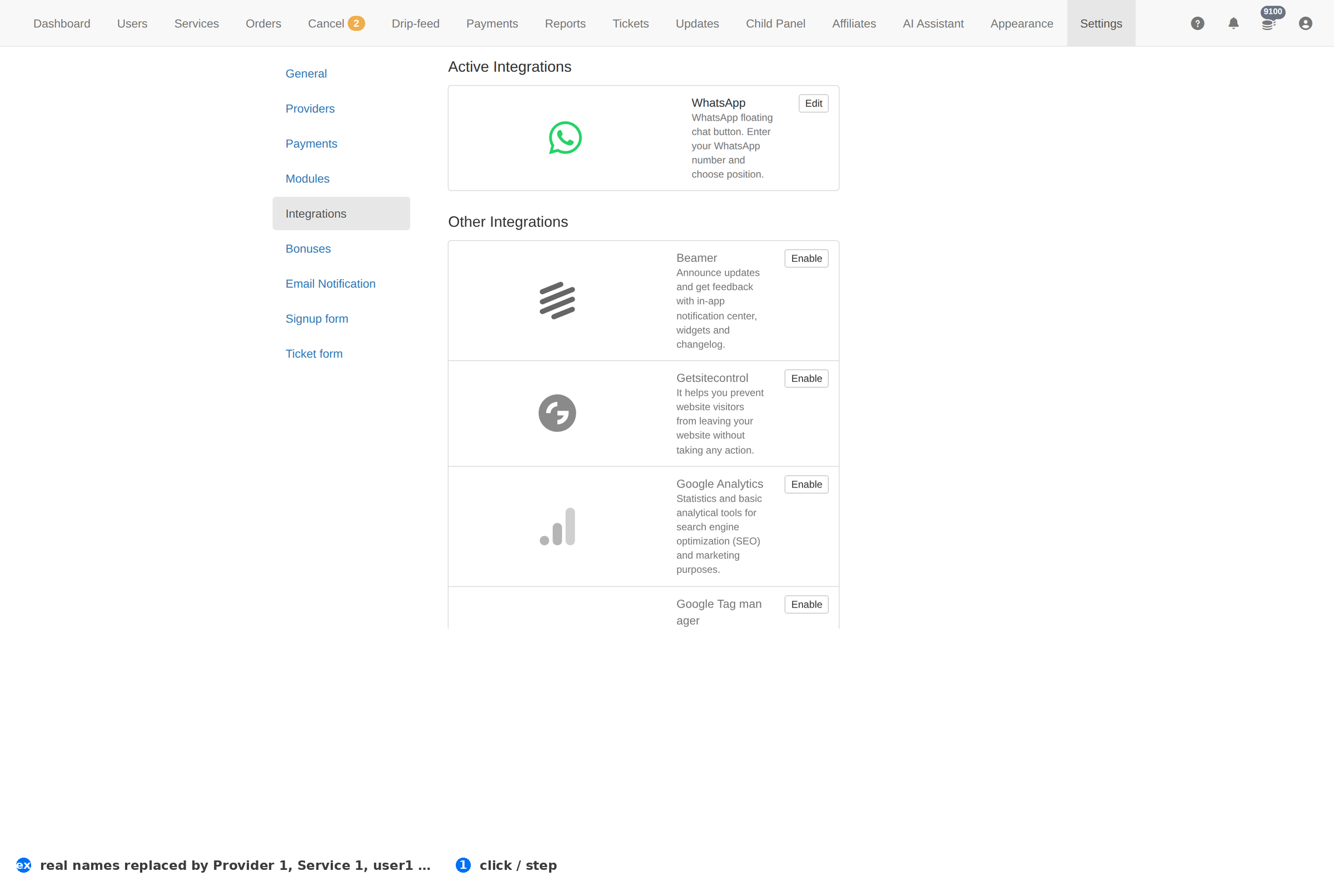
Column reference
| Column | Meaning |
|---|---|
| Integration | The service's name. |
| Status | Whether it is connected. |
| Details | What it is configured to do. |
How to work this page
- An integration is a dependency. If it goes down, whatever it powers goes down with it — decide whether that is acceptable before enabling it.
- Keep the credentials out of shared documents. This page is the only place they belong.
- Check the effect end to end after connecting: an integration that saves but never fires looks identical to one that works.
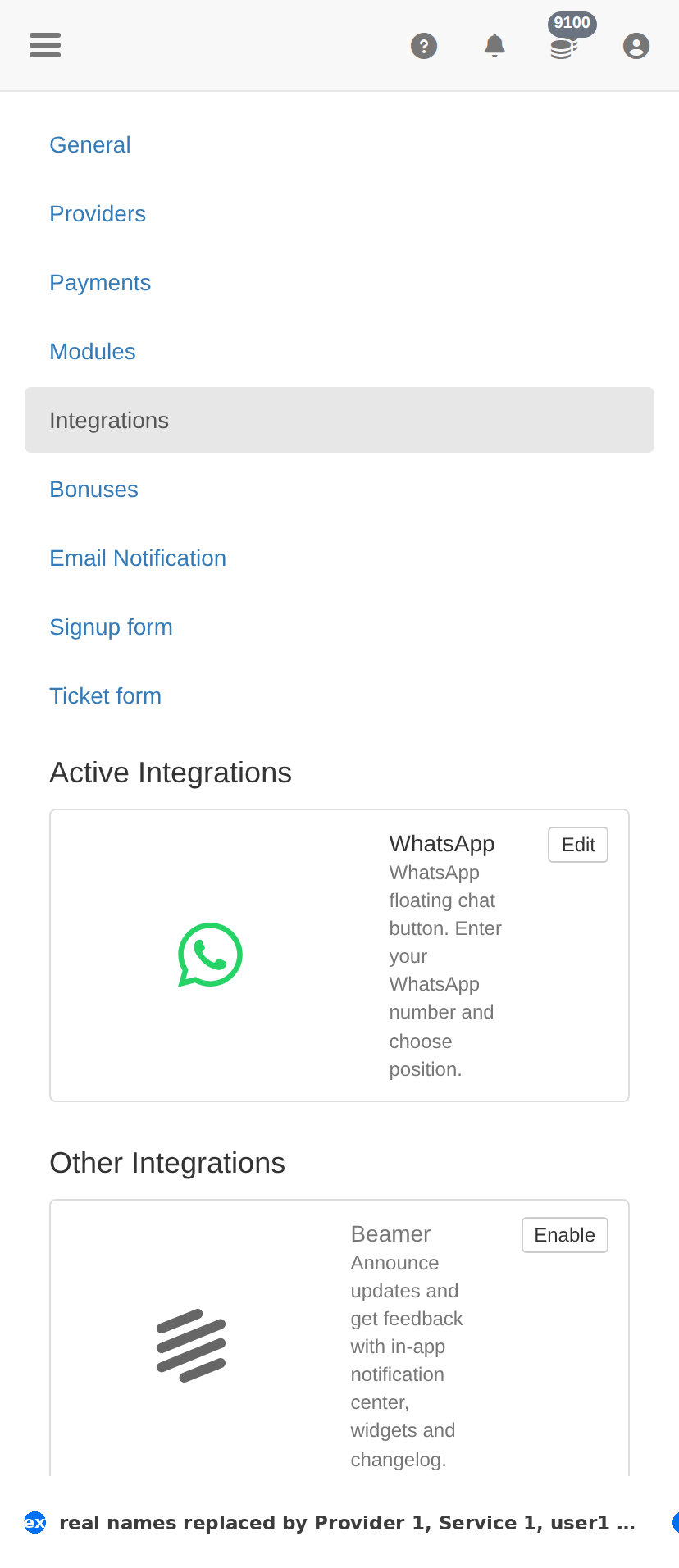
On a phone
Troubleshooting
The change did not take effect
- Confirm it saved — reload this page and check the value is still there.
- Check the item's own Status column; something switched off will not act regardless.
- Test the effect where the client feels it — the client site for a form, Orders for anything about fulfilment.
You want to undo a change
- There is no undo. Set the value back deliberately, then verify with one real test.
- Before changing anything here, take a screenshot of the page — that is your only record of what it was.