Extra credit added on top of a payment — promotions and loyalty tiers. One page of the Settings section.
Page anatomy
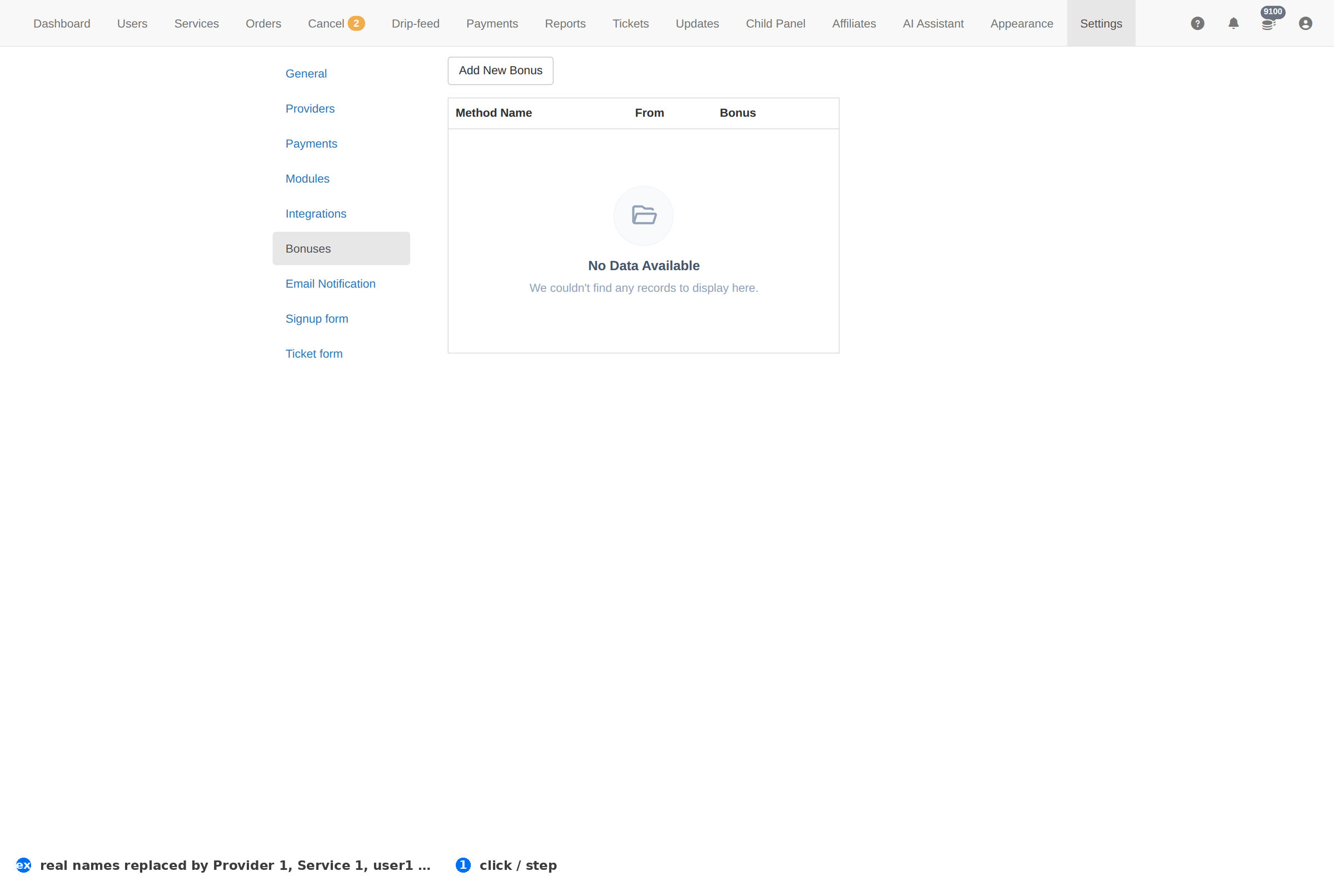
Column reference
| Column | Meaning |
|---|---|
| Bonus | The rule's name. |
| Amount | What it adds — a percentage or a fixed sum. |
| Status | Whether it is live. |
How to work this page
- A bonus is real money. It is credited like a payment, so it shows in the client's balance and in Reports.
- Bound it. A percentage with no ceiling on a large deposit is how a promotion costs more than it earns.
- Decide the end date before you launch it. A bonus nobody turns off becomes the price.
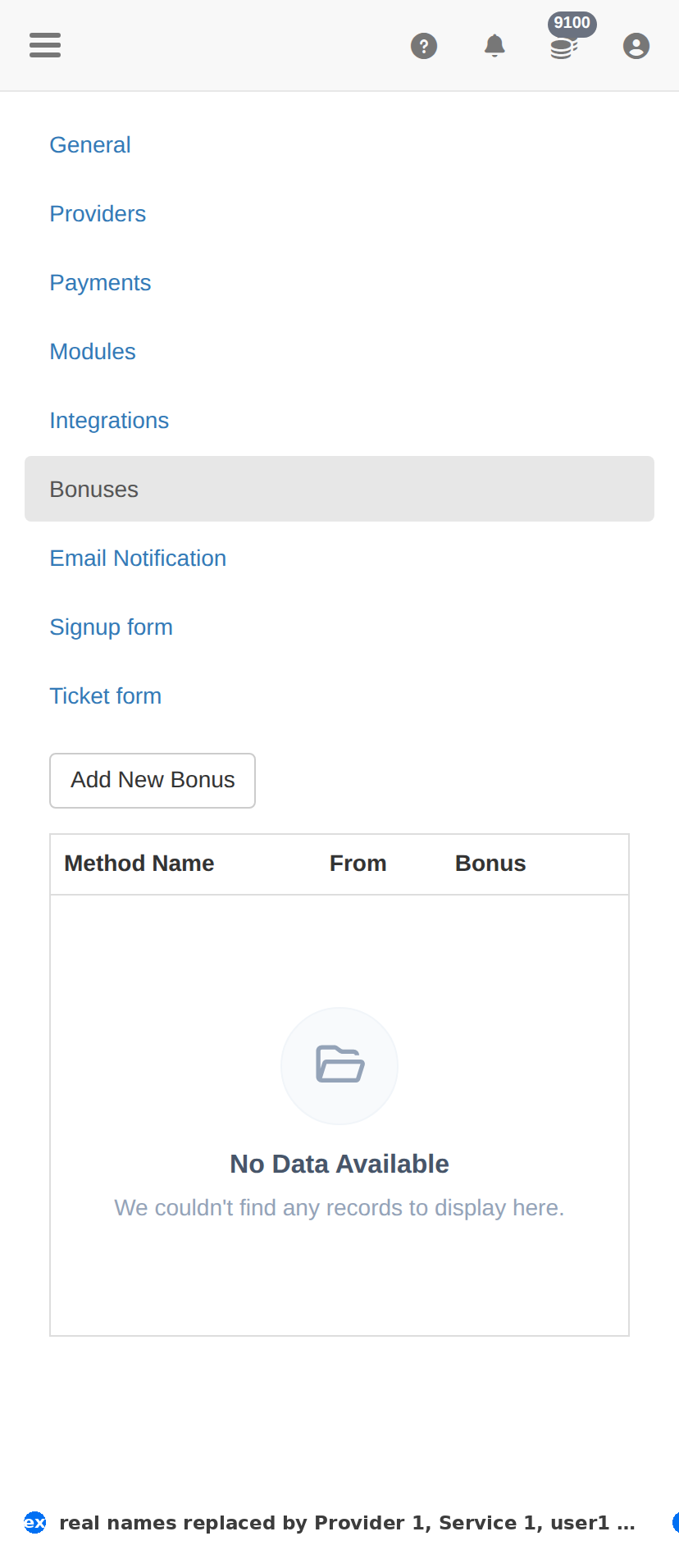
On a phone
Troubleshooting
The change did not take effect
- Confirm it saved — reload this page and check the value is still there.
- Check the item's own Status column; something switched off will not act regardless.
- Test the effect where the client feels it — the client site for a form, Orders for anything about fulfilment.
You want to undo a change
- There is no undo. Set the value back deliberately, then verify with one real test.
- Before changing anything here, take a screenshot of the page — that is your only record of what it was.