Posts on the client site — announcements and anything that deserves a link. One page of the Appearance section — the client-facing site, not the admin.
Page anatomy
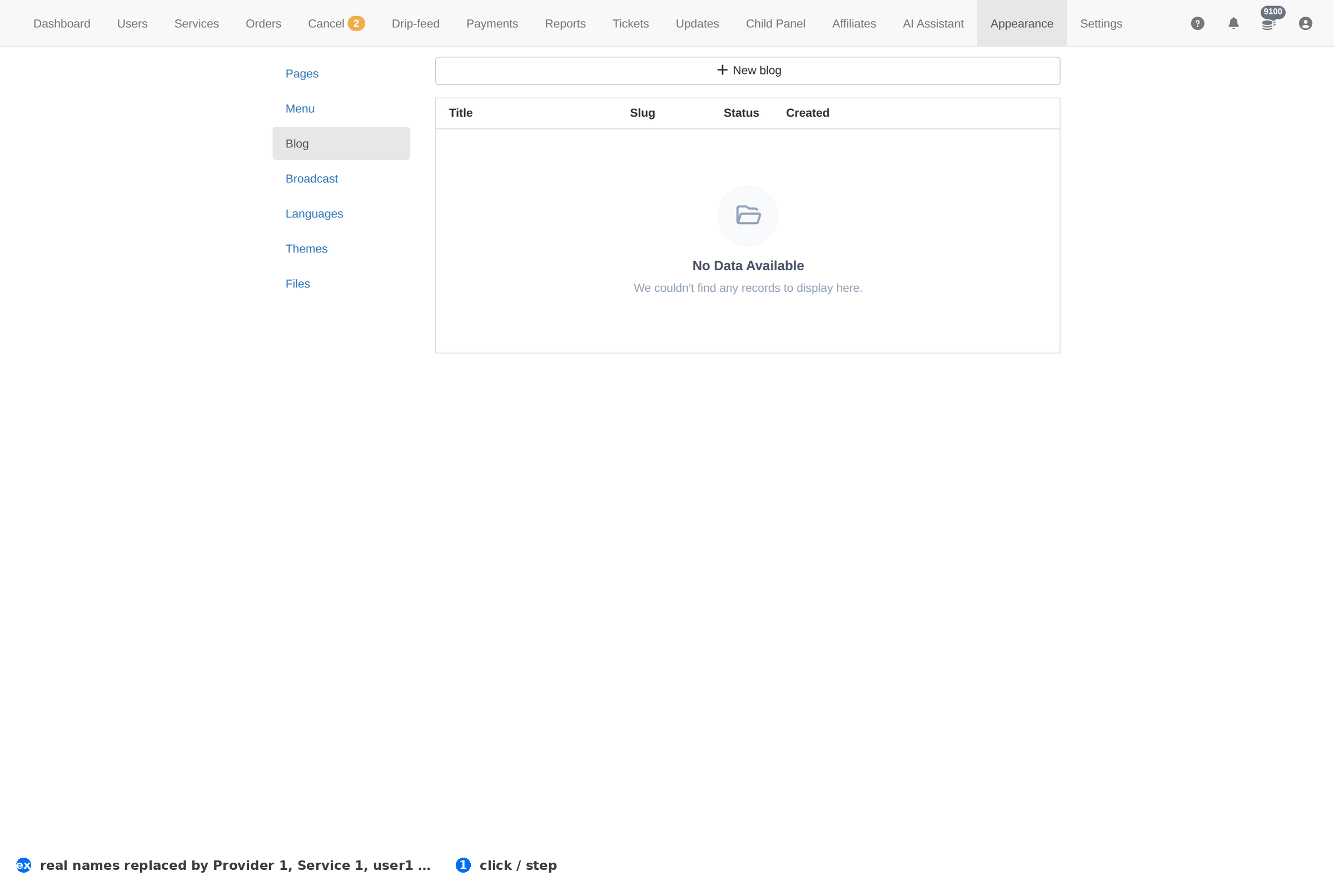
Column reference
| Column | Meaning |
|---|---|
| Title | The post's headline. |
| Status | Whether it is published or still a draft. |
| Created | When it was written. |
How to work this page
- Write for search as well as for clients. A post about a service you sell is a page Google can rank; an announcement is not.
- Link posts from the menu if they matter — an unlinked post is invisible to anyone who does not already have the URL.
- Draft first, publish deliberately. A published post is public the moment it saves.
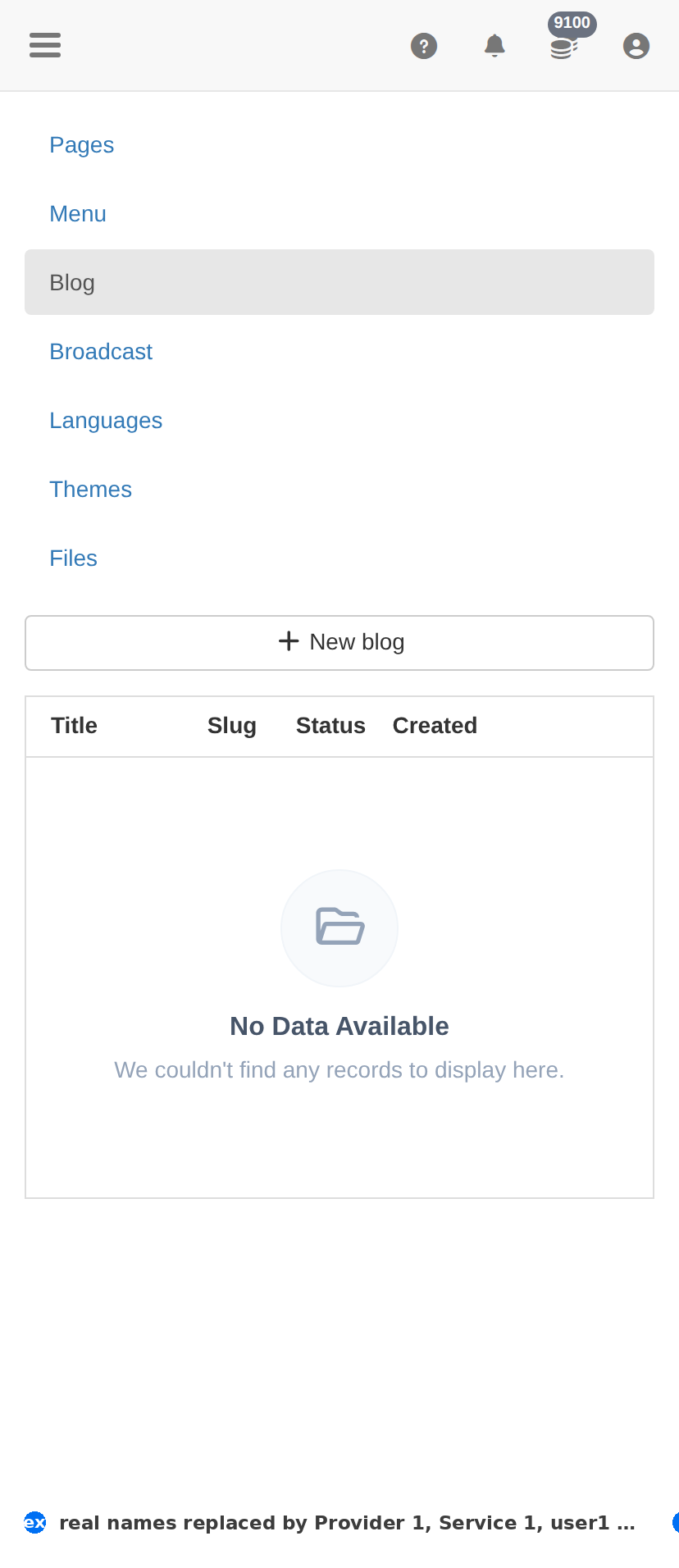
On a phone
Troubleshooting
A change did not appear on the client site
- Hard-refresh the client site — client-facing CSS and assets are cached.
- Confirm the change saved here first: an unsaved form looks identical to a cached page.
- Check the item's own status column; something switched off will not show regardless.
You want to undo a change
- There is no undo. Set the item back to its previous value deliberately.
- For anything you are unsure about, take a screenshot of this page before you change it — that is your record.