How to add a provider
Connect the supplier your services are actually bought from.
A wrong key or endpoint fails silently until an order is placed — and then every order to that provider fails with it.
What it controls
- store a provider's API credentials
- check the connection before you rely on it
- watch the balance that stops orders
How to set it
- Open Settings → Providers and click Add provider. A form opens.
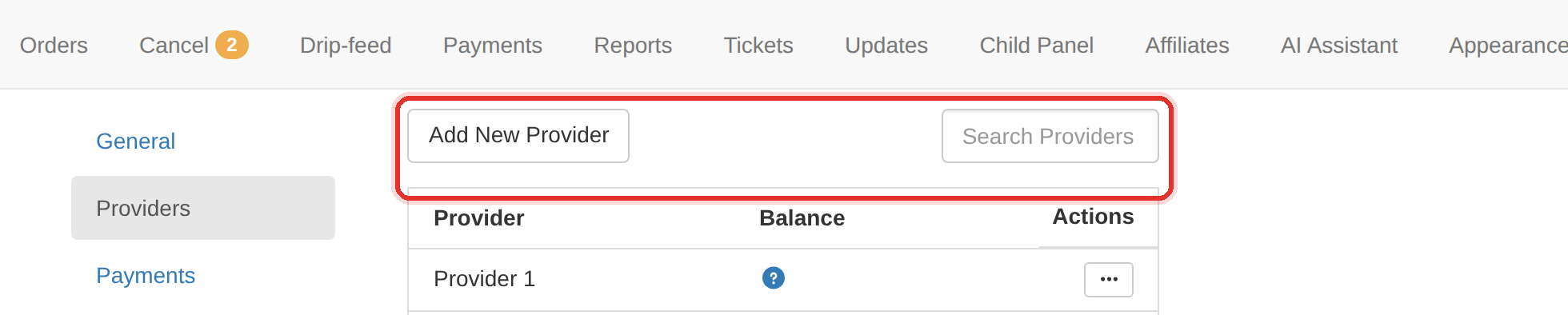
Add provider on Settings → Providers. - Enter the provider's name and its API endpoint (the URL from the provider's own panel).
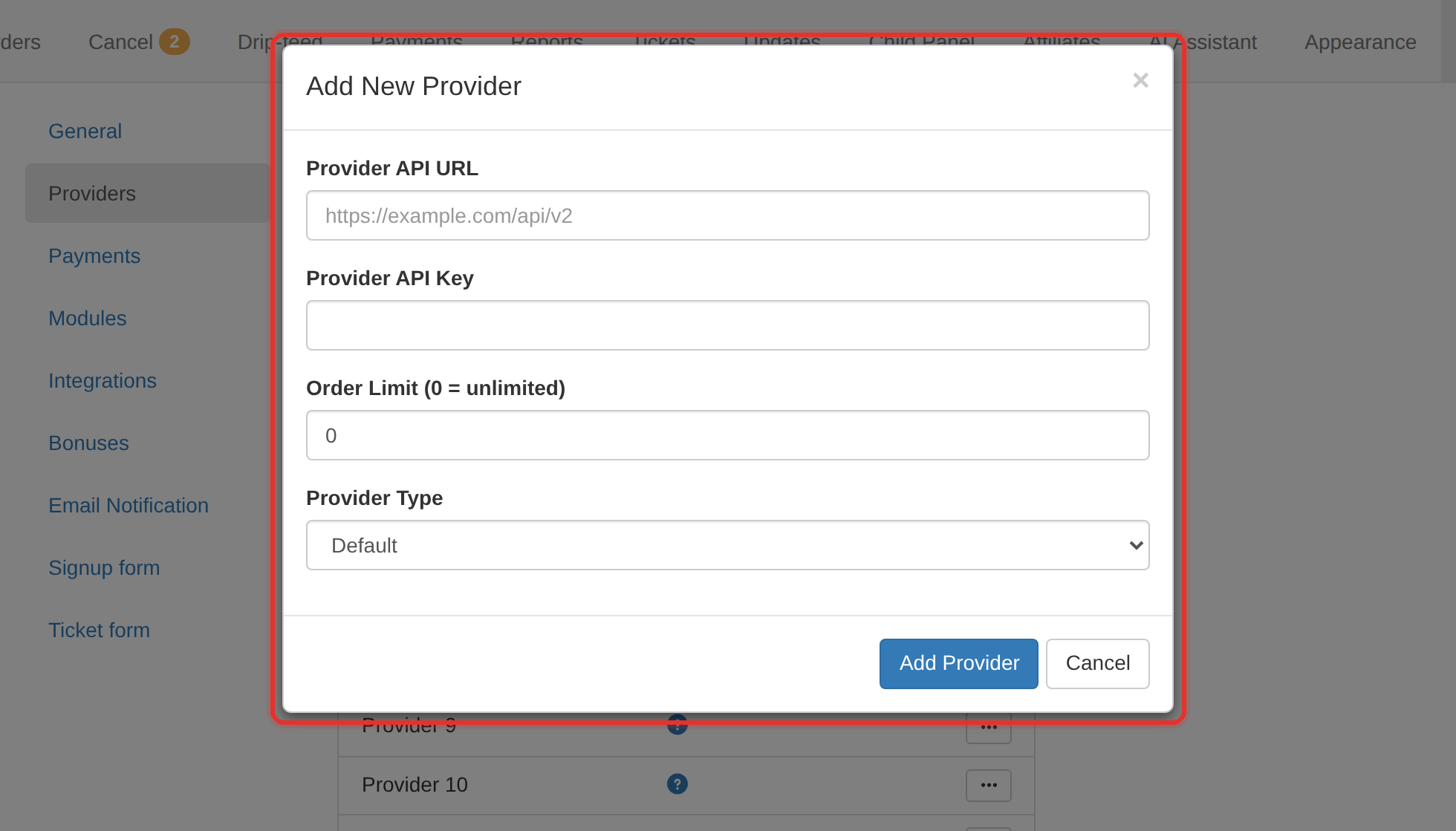
The provider form — API URL and API Key. - Paste the API key exactly — no leading or trailing space.
- Save, then check the provider's Balance column. A balance means the key and endpoint are both working.
- Open Services → Import services, pick this provider and press Fetch Services. If the catalogue comes back, the connection is genuinely good.
A provider that works in its own panel can still fail here. The key, the endpoint and the IP allowlist are three separate things to check.
Turn on low-balance notifications once the provider is connected. Not enough provider balance is the single most common reason a wave of orders fails.
To learn more, see the Providers.