Reconcile a payment
Match a payment on the panel against what actually arrived at the gateway or the bank, so the client's balance reflects real money.
Skip it and a mismatch between the gateway and the balance grows quietly until a client disputes their funds.
What it controls
- whether the recorded amount equals the money received
- whether the method and status are right
- whether the client's balance moved as expected
How to set it
- Open Payments and set the Created filter — All Time, Last 30 Days, Last 90 Days, Last year, or a custom date range.
- Narrow to one gateway with the Method filter, and to one kind of deposit with Amount, Mode or Fraud risk.
- Compare each amount against the gateway or bank statement.
- Open the client on Users and check the balance beside the payments.
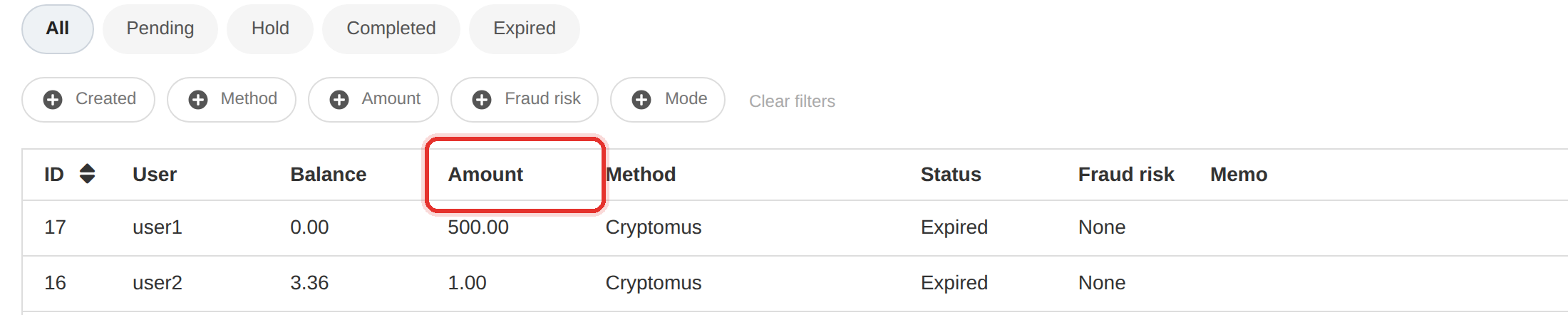
Filter by Method to reconcile one gateway at a time. Doing all of them at once is how a small mismatch gets hidden.
Reconcile against Payments, not against Reports. Reports count orders; this page counts money.
To learn more, see the Payments guide.