Activating a child panel
Activation is the moment a child-panel order switches on and starts taking orders — you pay the activation cost from your own credit balance.
A child panel in Pending Payment is not running. Activation is charged to your credit balance, so an under-funded panel is a bill you cannot pay, not the reseller's.
What it controls
- whether a child panel actually goes live
- which balance the activation fee comes from
- how to settle activation by credits or by invoice
How to set it
- Open Child Panel and find a row in Pending Payment.
- Click Action → Pay with Credits; the dialog shows the activation cost and your credit balance.
- Confirm — if your balance covers it, the fee is taken and the panel starts Provisioning.
- Or choose Pay with Invoice to settle it by invoice instead.
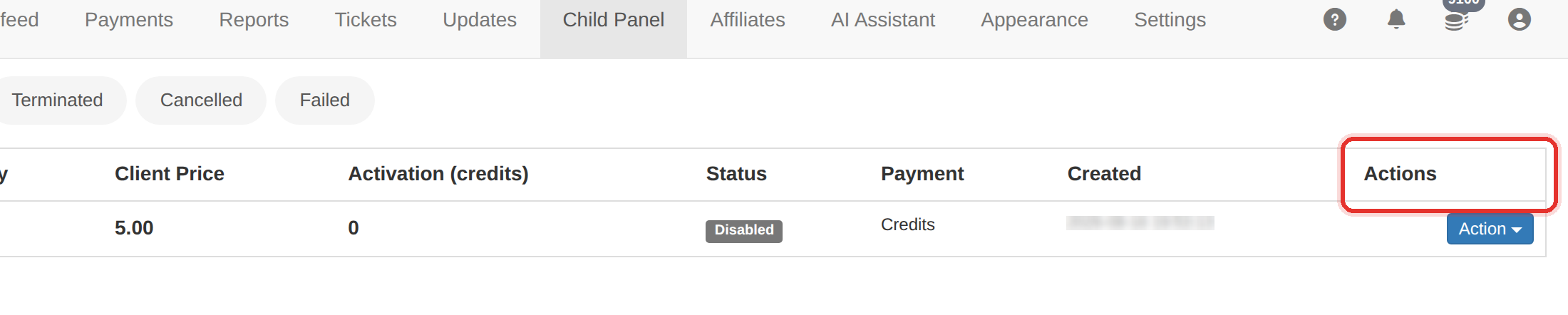
Activation is charged to your credit balance, not the reseller's. If your balance is short the dialog says so and the panel stays in Pending Payment.
After a successful payment the row polls itself every 15 seconds, so the status flips from Provisioning to Active on its own.
To learn more, see the Child panels guide.