Custom header and footer code
Raw markup injected into every page of the client site — one box for the head, one for the footer.
This box takes anything you paste, broken HTML included. A stray tag here can blank the client site for everyone.
What it controls
- analytics or tracking snippets in the head
- chat widgets and pixels near the end of the body
- verification meta tags
How to set it
- Open Settings → General and find Custom header code and Custom footer code.
- Paste the snippet into the matching box, tags included.
- Press Update Settings, then open the client site and confirm it still loads.
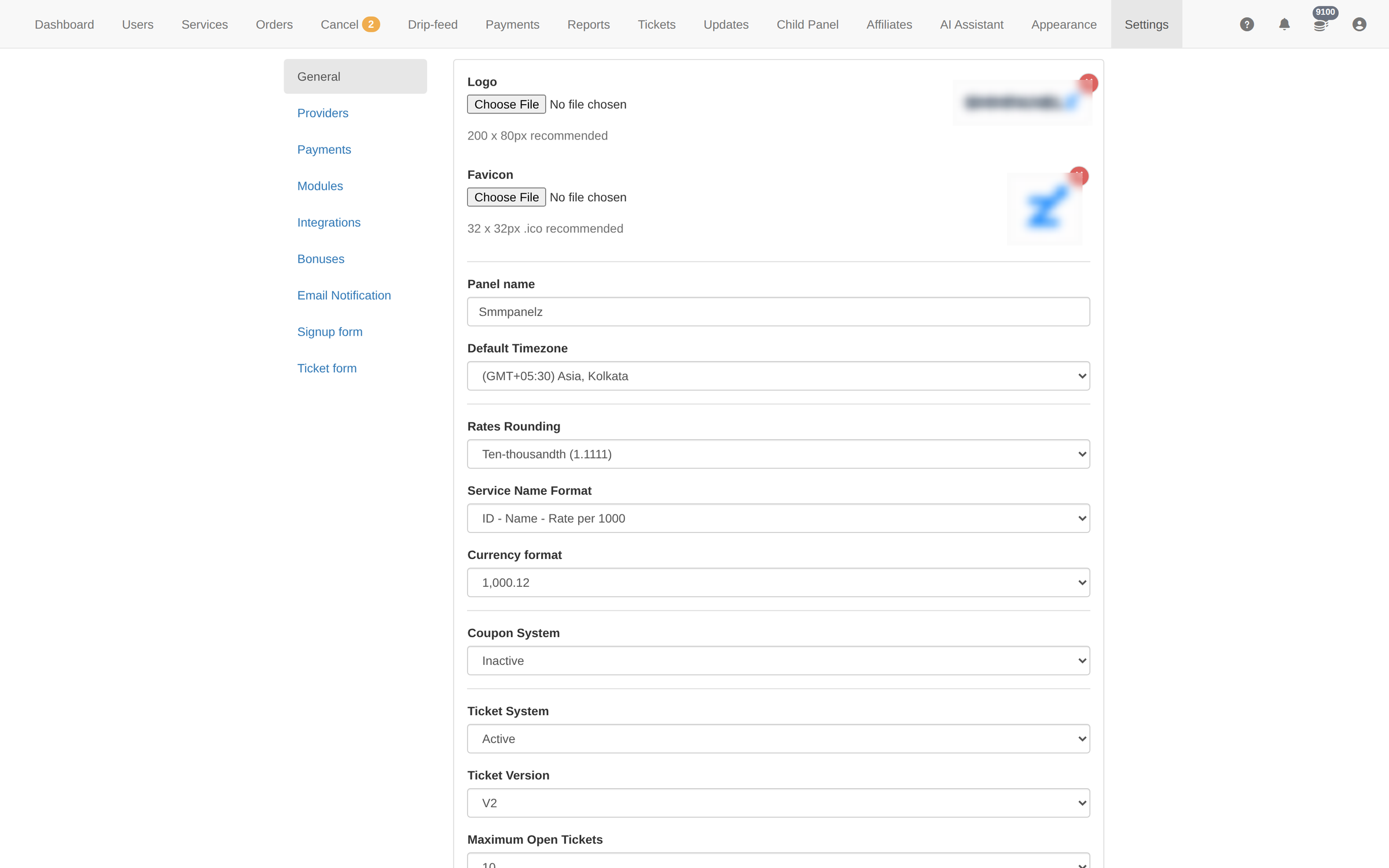
This code runs on the client site exactly as written. Paste a snippet with a mistake and the site breaks for every client.
There is no undo on this page. Copy the current contents somewhere before you change them.
To learn more, see the Settings guide.