The row Actions menu
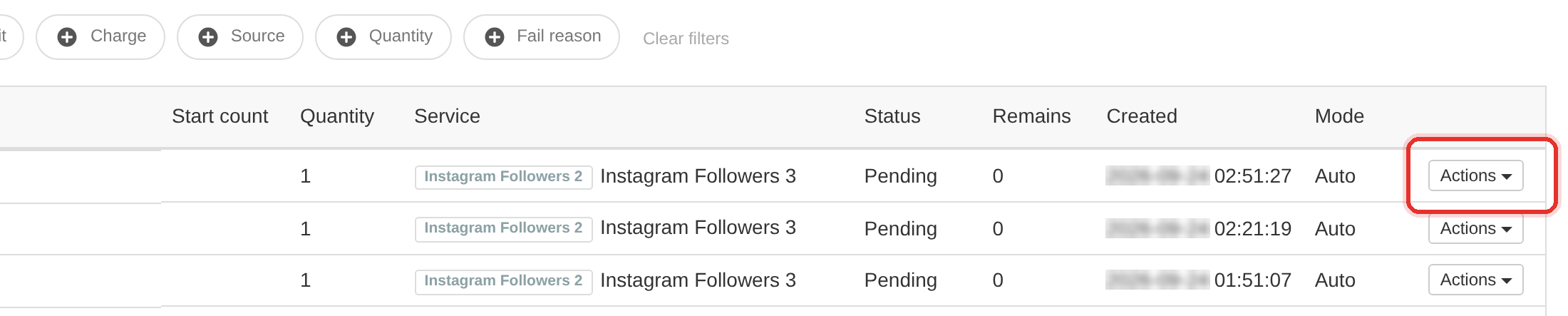
Actions opens the full set of controls for one order — details, errors, resend, delivery edits and the closing moves.
The menu is not fixed. Each entry appears only when the order's own state allows it, so if the action you want is missing you are looking at an order it does not apply to.
How to set it
- Find the order in the list.
- Click Actions at the end of its row.
- Pick the entry you need. Only the entries whose condition the order meets are listed.
| Menu entry (in order) | Appears when |
|---|---|
| Details | always |
| Order Errors | the order failed and was sent by API |
| Cancel reason | the order is Canceled and carries a reason |
| Resend Order | the order failed and was sent by API |
| Place Refill | not failed, sent by API, Completed, and the service has refill enabled |
| Recatch status | the order has a provider order ID |
| Set start count | the order is not Canceled |
| Set remains | the order is In progress |
| Set partial | the order is not Canceled |
| Edit link | the order is manual, or it failed |
| Change status | the order is not Canceled, Completed, on HOLD or Awaiting; its submenu offers Pending, Processing, In progress and Completed, hiding the current one |
| Set Order Status | the order is not Canceled |
| Cancel and refund | the order is not Canceled |
The menu changes with the order. A Completed order has no Order Errors, Resend Order, Change status or Set remains; a Canceled one drops those too, but an API order still keeps Recatch status (it shows whenever the order has a provider order id).
The row ID is not a link. Actions → Details is the only way into an order.
To learn more, see the Orders guide.