Bulk actions
The bulk-action menu acts on every client you have ticked at once — activating or suspending the whole selection in a single click.
These actions run on every selected account with no second look. Select the whole list by mistake and one click suspends your entire client base.
What it controls
- Activate every selected account
- Suspend every selected account
- clear the selection without acting on it
How to set it
- Open Users and search down to the accounts you want, so the list holds only those.
- Tick each account — or the header box to select the page.
- Open the bulk-action menu and read the label twice.
- Confirm and then check the Status column on the affected rows.
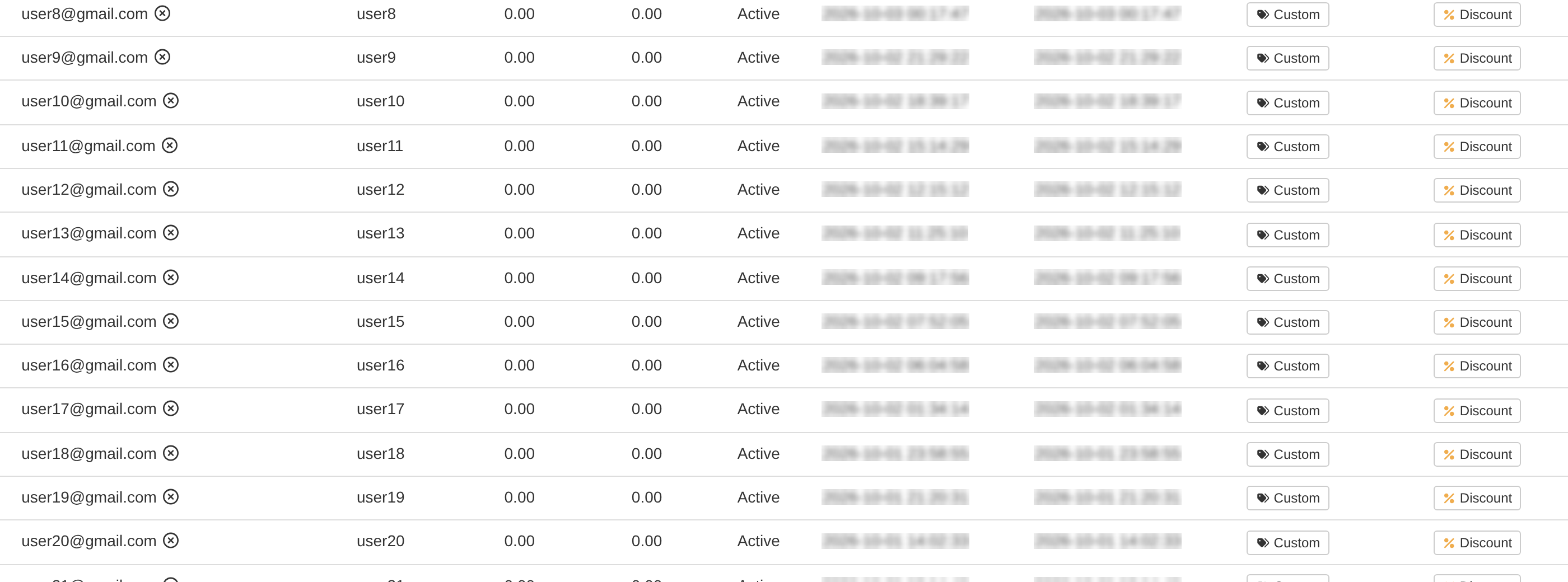
The bulk menu offers only Activate, Suspend and Clear Selection. Deleting custom rates or copying rates is a single-row Actions job, not a bulk one.
Bulk suspend is reversible — it deletes nothing — so every selected client is blocked from ordering only until you activate them again.
To learn more, see the Users guide.