Copy rates
Copies one client's custom rates onto another client, so a second account is priced exactly like the first without setting every service by hand.
Copy rates overwrites the target's existing custom rates. Run it against the wrong account and you silently replace a price list you spent hours building.
What it controls
- the source client whose rates are read
- the target client whose rates are replaced
- every service in the target's custom price list
How to set it
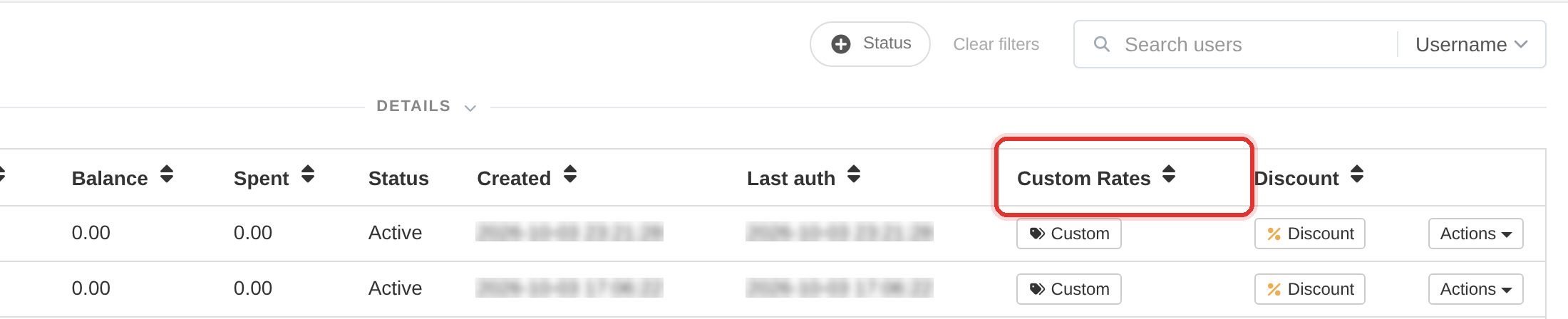
- Open Users and find the target client — the one whose rates will be replaced.
- Open that row's Actions menu and choose Copy rates. The Copy Rates to <username> dialog opens.
- Pick the source client in the From User list — every other client is offered, with their email beside the name.
- Press Copy. The target's custom prices are replaced by the source's.
This is not a merge and there is no undo. The target's previous custom rates are gone. Export or note them first if you might need them.
If you only want a handful of services priced alike, set them individually instead of copying a whole price list.
To learn more, see the Users guide.