Payment methods
The gateways clients pay through to add funds. Each one is switched on with your own account details, so the money lands in your account.
Enabling a gateway you have not tested end-to-end means clients hand you money through a path that may not credit them — and you find out from a ticket.
What it controls
- which gateways clients can pay through
- the credentials each gateway needs
- whether a method is visible to clients
How to set it
- Open Settings → Payment methods.
- Open the gateway you want and enter its credentials or API keys.
- Switch the method on.
- Place one small real deposit through it and confirm the balance is credited.
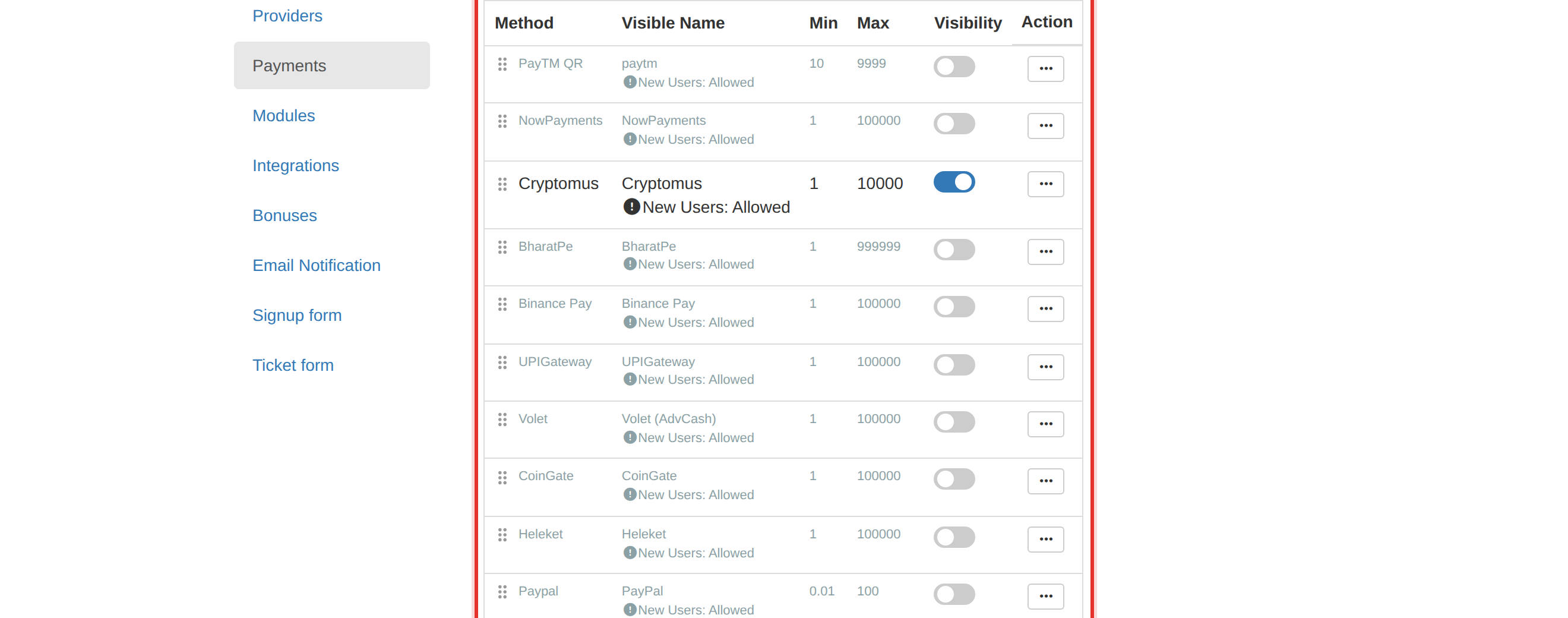
A real test deposit through the live method is the only proof it credits an account. Do that before you tell clients the method works.
Start with one gateway you fully control. Add more only once the first is proven end-to-end.
To learn more, see the Settings guide.