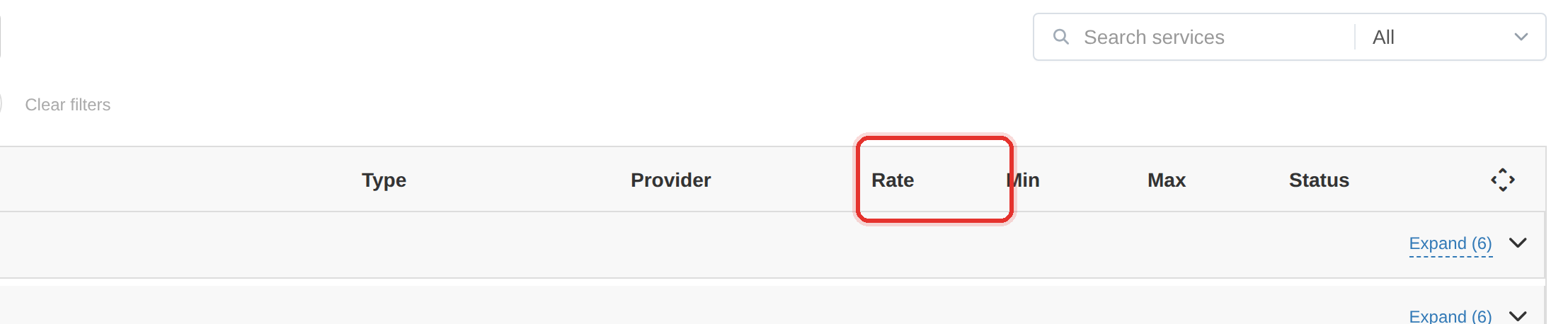
Rate per 1000
Rate per 1000 is what the client pays for one thousand units of the service.
Your margin is the gap between this rate and what the provider charges you. Set it below cost and every order loses money — quietly, on every sale.
What it controls
- the price a client pays per 1000 units
- your margin over the provider's cost
How to set it
- In the Add Service dialog find Rate per 1000. The provider's cost is shown beside it.
- Manual mode: type the client price directly into the field.
- API mode: with Auto sync on (default) the price is computed from the Fixed, 1.00 and Percent, % boxes. Switch Auto sync off to type your own figure.
- Compare the figure against the provider's cost shown alongside before saving.
| Provider cost /1000 | Your rate /1000 | Margin |
|---|---|---|
| 0.50 | 0.70 | 0.20 per 1000 |
| 0.50 | 0.55 | 0.05 per 1000 — thin |
| 0.50 | 0.45 | −0.05 per 1000 — a loss |
Rounding can erase a thin margin. If the provider costs 0.0147 and your rate rounds to 0.01, you are selling at a loss — check the rates rounding setting.
To learn more, see the Services guide.