A recorded payment vs editing a balance
A balance can be changed directly on the user, and it can be changed by recording a payment. They look the same to the client and are not the same to you.
A direct balance edit leaves no deposit behind, so it never reaches your revenue report and cannot be found or reversed later.
What it controls
- whether money entering the panel leaves a record
- whether the deposit shows in the client's history
- whether your revenue report counts it
How to set it
- Open Users → the client → Edit user and look at the balance field.
- Note that nothing in the Actions menu sets a balance for you.
- To add money, record a payment instead of typing a new balance.
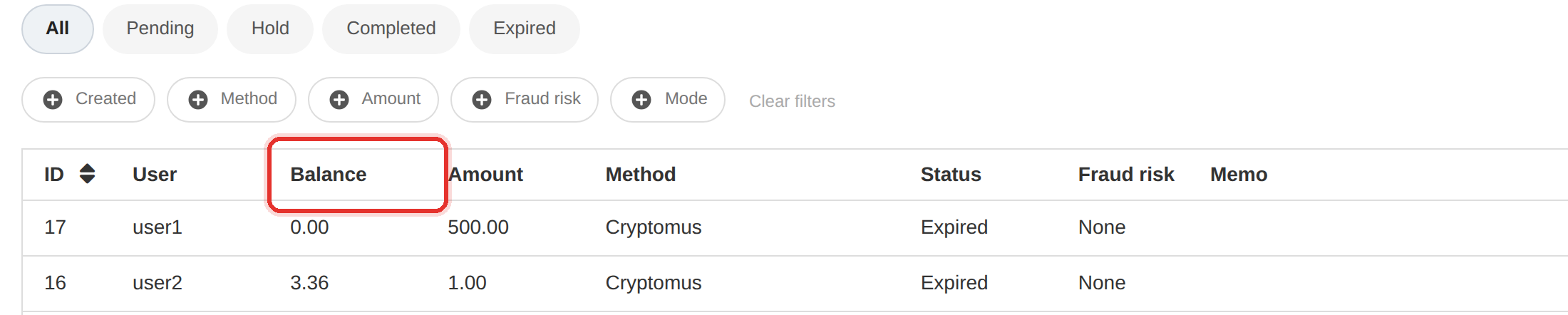
Editing a balance to add money is the mistake to avoid. The client gains funds, your ledger does not, and the two drift apart.
Any time money should enter a balance, ask first whether a recorded payment would do the job. It almost always would.
To learn more, see the Users guide.