Payment bonuses
A bonus is extra credit added on a deposit — a percentage on top of what the client pays, credited exactly like a payment.
A bonus is real money. It is credited like a payment, so it shows in the client's balance and in Reports. Unbounded, a percentage on a large deposit costs more than the promotion earns.
What it controls
- whether a bonus is given on a deposit
- the percentage or amount added
- the deposit sizes the bonus applies to
How to set it
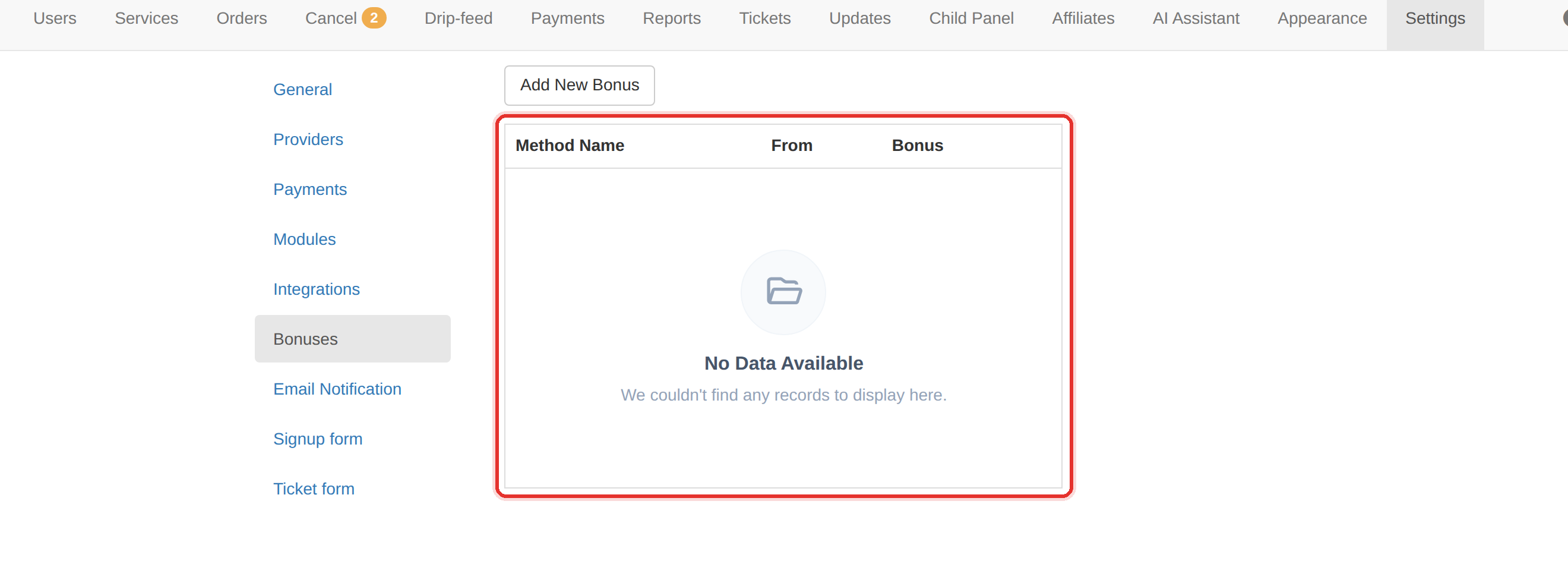
- Open Settings → Bonuses.
- Press Add New Bonus.
- Pick a Payment Method and set Amount (%).
- Set Minimum Amount (From) — the deposit size the bonus starts at.
- Press Save, then test with a small deposit and check the credited balance.
A bonus is credited like a payment, so it appears in the client's balance and in Reports. It is not a display figure — it is money you owe in services.
A bonus is a straight percentage with no ceiling to set. Bound the cost by keeping the percentage low, or by raising the Minimum Amount (From) so only larger deposits qualify.
To learn more, see the Settings guide.