How to give a user custom rates
Set per-client prices for one client, or copy another client's rates onto them.
Copy rates overwrites the target's own custom rates — it does not merge. If the client already has custom pricing you care about, note it first.
What it controls
- price services differently for one client
- set up a group of resellers from one template
- give a volume client a better rate without changing your catalogue
How to set it
- Open Users and find the client you want to price.
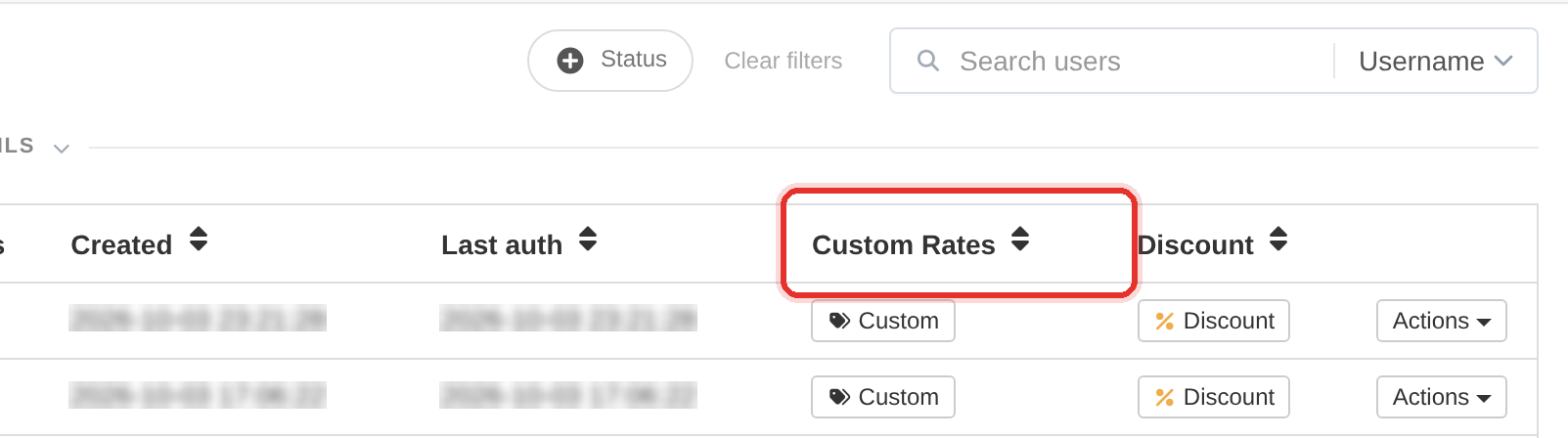
The Custom button in the row. - Click Custom in that client's row. The Custom Rates: <username> dialog opens for that client only.
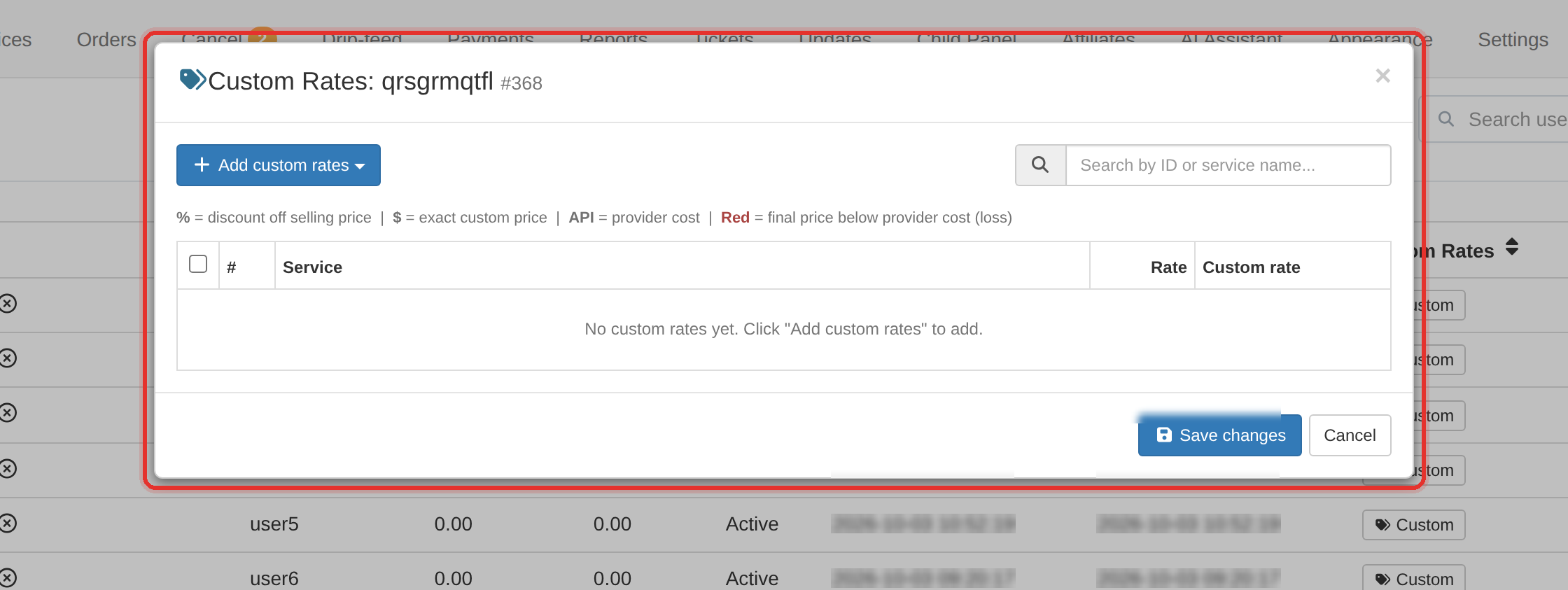
The custom-rates dialog for that client. - Click Add custom rates, tick the services to include, then set each price — the % or $ selector beside the field chooses a discount or an exact price.
- Press Save changes, then confirm the client's Custom Rates column shows the new count.
- To reuse this on another client: open the target client's Actions → Copy rates and pick this client as the source.
Copy rates replaces, it does not merge. The target client's existing custom rates are overwritten by the source client's.
To take a client back to standard pricing in one click, use Actions → Remove Discounts.
To learn more, see the Users guide.