Min and max order quantities
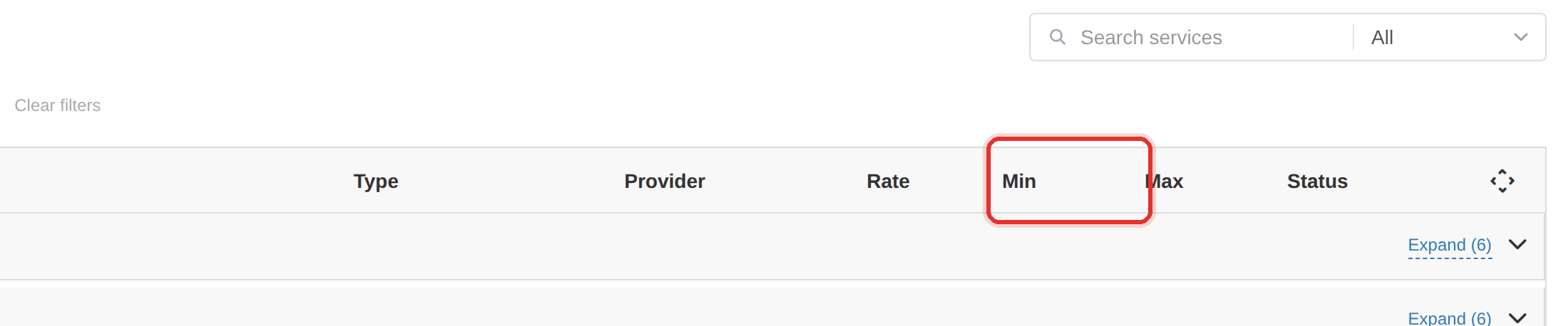
Min order and Max order are the smallest and largest quantity a client may order for this service.
Set Min below what the provider accepts and the order fails at the provider — after the client's money has already been charged.
What it controls
- the smallest quantity a client can order
- the largest quantity a client can order
- the step the quantity must divide by
How to set it
- In the Add Service dialog find Min order and Max order.
- Manual mode: type both values — they are required.
- API mode: the fields are locked while Auto sync is on and show the provider's min and max. Clear the Auto sync switch to set your own.
- The provider's values sit beside each field — re-check them after the provider changes its limits.
| Field | Set it to |
|---|---|
| Min order | the provider's minimum, not lower |
| Max order | the provider's maximum, not higher |
| Quantity Multiple of | the step the provider accepts, e.g. 100 |
These are the fields people get wrong most often. If a client can order less than the provider accepts, the order fails after the money is charged.
A wave of minimum-related failures usually means the provider raised its minimum. Check the Service updates page before changing anything by hand.
To learn more, see the Services guide.