Blog
The posts shown on your client site — useful for updates, guides and the pages that bring search traffic to the shop.
A post is public the moment you publish it, and search engines read it. Write for search and check it before publishing, not after.
What it controls
- the posts published to the client site
- which posts are still drafts
- the titles and bodies search engines will index
How to set it
- Open Appearance → Blog.
- Press New blog and write the Blog title and Slug.
- Write the body in Content, then press Save changes.
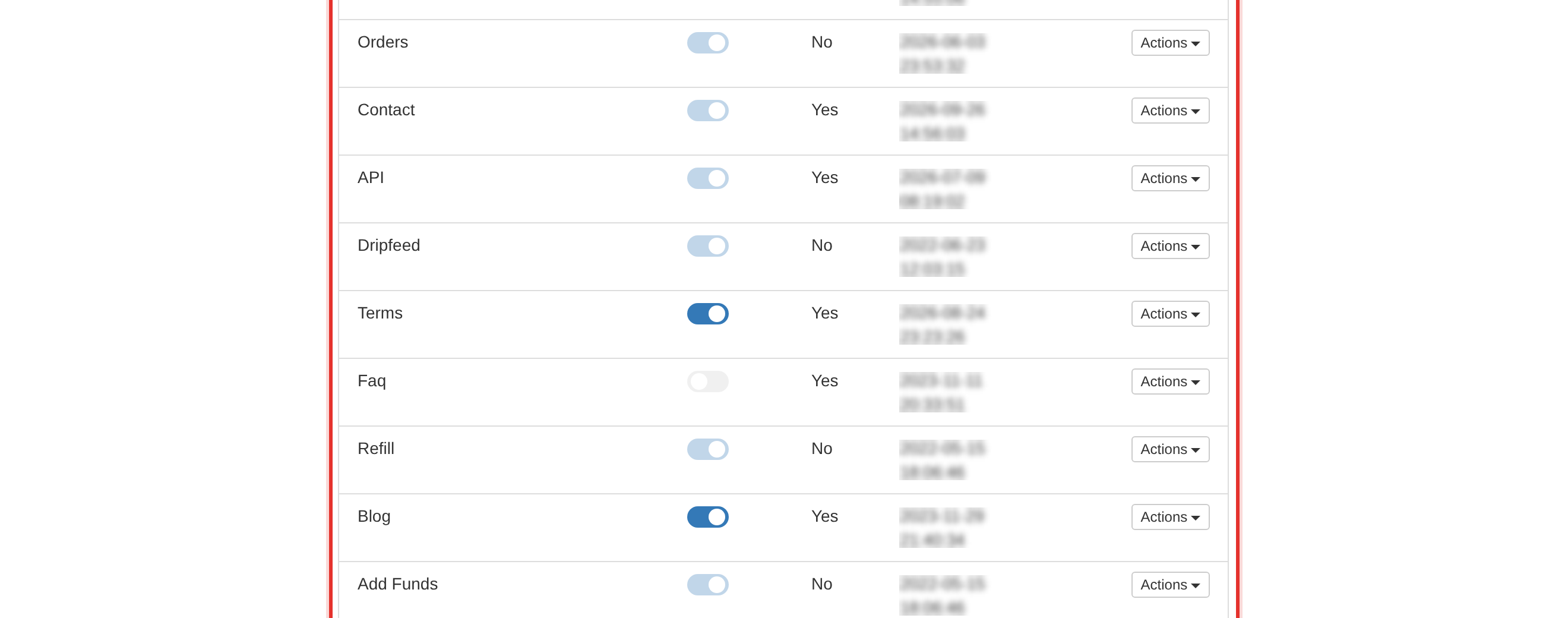
- Use the Status toggle on its row to publish or unpublish it.
Write the title the way a client would search for it — a plain, useful sentence beats a clever one for search traffic.
Check a post on the client site before publishing. The admin preview and the live page do not always look the same.
To learn more, see the Appearance guide.