A payment that appears twice
The same deposit showing as two records, usually a gateway callback landing twice or a manual payment added beside a gateway one.
Leave it and the client is credited twice; reverse the wrong one and you un-credit a legitimate deposit.
What it controls
- whether the client's balance was credited once or twice
- which record is the real deposit
- which record to reverse
How to set it
- Open Payments and search by User, Payment ID or Memo.
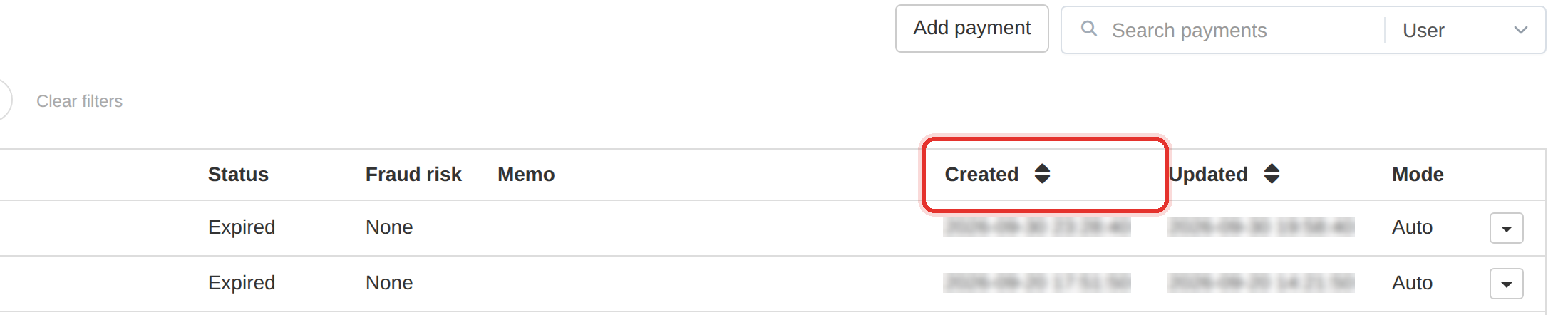
- Compare the two records: Created, Updated, Method, Mode and Status.
- Keep the one that matches the gateway; the other is the duplicate.
- A payment's menu has no reverse action — a Completed one offers only Details and Edit. Correct the client's balance from Users, or refund the matching order from Orders, so the balance returns to the right figure.
Check the client's balance before correcting anything. If both were credited, the balance is already inflated.
Identical Created and Updated times on a gateway payment usually mean one callback processed twice.
To learn more, see the Payments guide.