What the Services page is
The Services page is your catalogue — the services clients can order, grouped into categories.
The list you land on is a list of categories, collapsed. A service hidden inside one looks like it is missing. Expand it before you conclude a service is gone.
What it controls
- the categories and services you sell
- each service's rate, type, mode and provider
- the controls to add, edit and import services
How to set it
- Open Services from the sidebar. The page lists your categories as collapsed rows — expand one before you conclude a service is missing.
- Use the toolbar: Add service, Create category, More (which holds Delete empty categories) and Import services.
- Search from the Search services box and pick the scope — All, Service name, Service ID, External ID or Category name.
- Click Expand (N) on a category row to reveal its services; each row then shows ID, Service, Type, Provider, Rate, Min, Max and Status.
- Click Collapse (N) to hide them again.
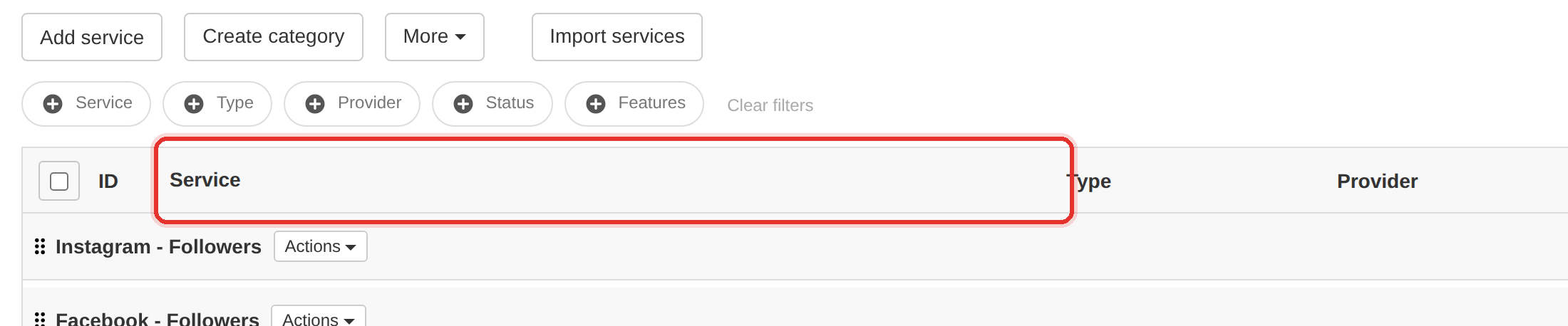
The page opens on categories, not services. Expand the category holding the service before deciding it is not there.
To learn more, see the Services guide.