How to find a user
Look a client up by ID, email, username or one of their contact handles.
An active status filter is the usual reason a client "disappears". Check the filter button before you conclude the account is gone.
What it controls
- search by ID, email, username, phone, Skype or WhatsApp
- filter the list by account status
- clear a filter that is hiding the client
How to set it
- Open Users and look at the Status button. If it reads N selected, a filter is on — press Clear filters first.
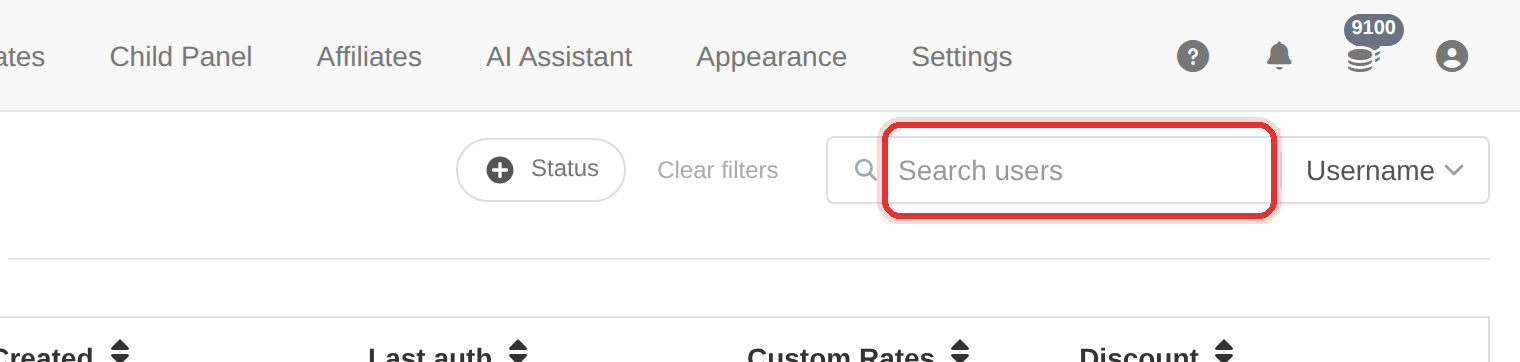
The search box — the field selector beside it chooses what it matches. - Open the search field selector — ID, Username, Name, Email, Phone, Skype, WhatsApp, Telegram or Website — and pick the column you know.

The Status filter, with a count per status. - Type the value: the list narrows as you type, and Enter submits it at once.
- If nothing comes back, switch the field to ID and try the number instead — IDs never change, usernames do.
The list is paginated with the newest clients first. If you are looking for an old account, search for it rather than paging.
To learn more, see the Users guide.