A gateway that stopped working
Clients cannot deposit because a payment method has started failing — expired keys, a changed endpoint, or the gateway rejecting your account.
One broken gateway can pause all new deposits with no visible error, and you only find out when a client tells you.
What it controls
- whether the method still accepts payments
- whether the failure is the gateway or your credentials
- which method to fall back on
How to set it
- Open Settings → Payments and open the method.
- Re-check its credentials against the gateway dashboard.
- Make one small live test deposit yourself.
- If it still fails, disable the method and enable a working one.
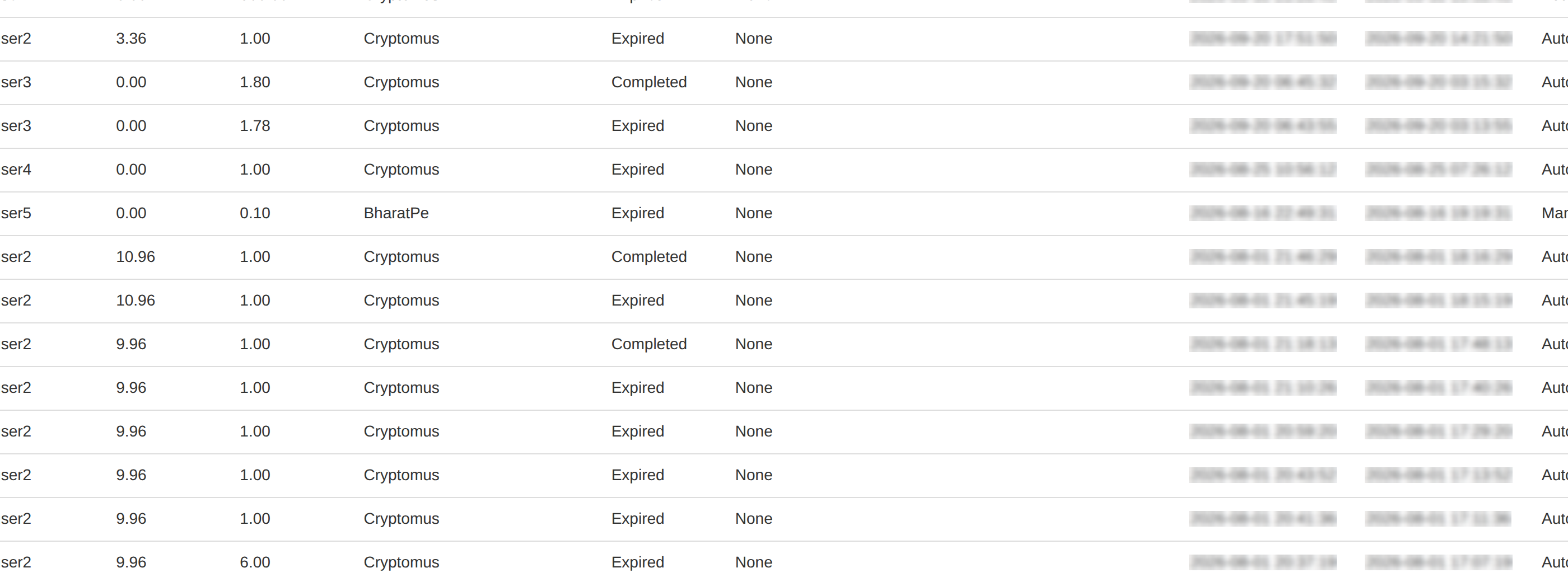
- Open Payments and confirm the test deposit appears.
Disable a broken method rather than leaving it on. A method that shows and fails costs you the deposit and the client.
Keep a second method enabled as a fallback. Gateways fail without warning and clients do not wait.
To learn more, see the Payment settings.