Edit a user
Opens a client's account so you can change their contact details, email, debt status and email-verified flag — balance and custom rates are handled elsewhere.
Changing the email at the wrong time locks the client out of their own password reset, and flipping Debt Status lets a client run a negative balance you may not want.
What it controls
- the client's contact details, email and name
- whether the client may run a negative balance, and up to how much
- whether the address counts as verified
How to set it
- Open Users and find the account.
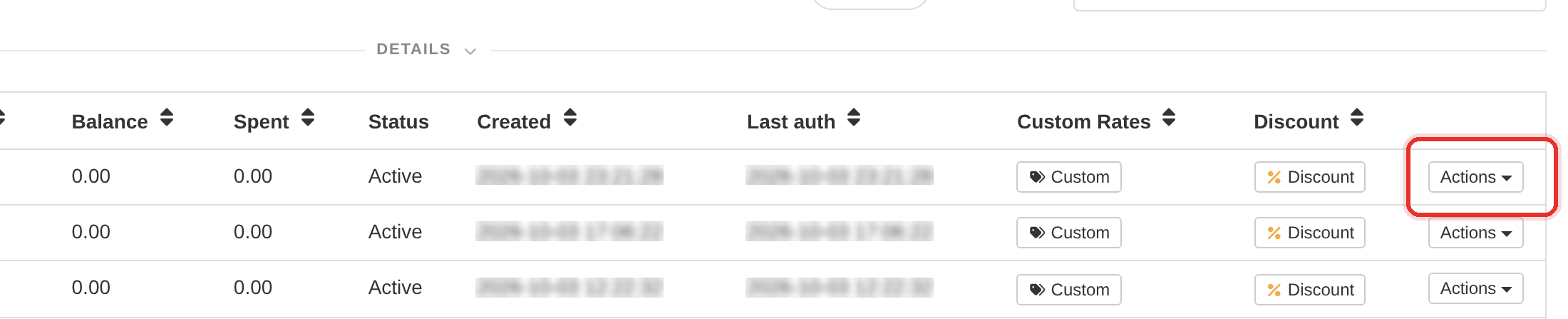
- Open the row's Actions menu and choose Edit user. The Edit User: <username> dialog opens.
- Change the contact details, Email, Debt Status (with its Debit Limit) or Email Verified — this dialog holds no balance field.
- Press Update. The dialog closes and the row reflects the new details.
This form does not touch the balance or the custom rates. To add money use Payments, and to change prices use the row's Custom button.
To learn more, see the Users guide.